
Plenty of blogs added an AI chat widget in 2026 to keep readers from bouncing to ChatGPT. The widget answers questions, sits in the corner, and quietly shows up as another monthly bill. For a blogger watching margins, that trade can feel backwards.
Here is the part nobody puts on the pricing page. A few of these widgets actually pay you back through affiliate links on the conversations you already host, while most just charge you to run them. The difference decides whether on-page chat becomes a revenue line or a cost line.
This guide ranks six embeddable AI chat widgets by one question: which ones pay the publisher, and which ones only send an invoice.
An AI chat widget sits on the same page where readers already ask product questions, which is exactly where buying intent shows up. A widget that turns those questions into affiliate links earns on traffic you already have, while one without monetization just stacks a bill on top of your hosting. The split below comes down to which side of that line each tool lands on. For other jobs the same widget can do, see 8 ways to use an AI chatbot on your blog.
★ = low · ★★ = medium · ★★★ = high
| Platform | Pays Publisher | Ease of Use | Blog Fit | Cost Value |
|---|---|---|---|---|
| ChatAds | ★★★ | ★★★ | ★★★ | ★★ |
| Bramble | ★★ | ★★ | ★ | ★★ |
| Chatbase | ★ | ★★ | ★★ | ★ |
| Chatling | ★ | ★★ | ★★ | ★★ |
| Tidio | ★ | ★★★ | ★ | ★★ |
| AI Engine | ★ | ★ | ★★ | ★★ |
Ask ChatGPT to summarize the full text automatically.
ChatAds

ChatAds is the rare monetized AI chat widget that is free to run and built for bloggers rather than support teams. You add it with one line of JavaScript on any platform, whether that is WordPress, Shopify, Squarespace, or a static site, and it reads the post your visitor is viewing and answers from it, with no training or knowledge-base setup. There are no model keys to create and no inference bill to track, because ChatAds hosts the language model for you. Readers ask questions and get answers grounded in your own articles instead of generic AI output.
What sets ChatAds apart is how the affiliate side works. Turn on monetization and product mentions in the assistant’s replies become affiliate links from your own connected accounts, so a chat about running shoes can earn a commission. ChatAds takes none of that, and you keep 100% of whatever your affiliate program pays. The free tier covers 100 messages a day, making it the only free AI chat widget on this list that actually pays publishers rather than billing them.
Pros:
- One-line JavaScript install on any platform, answering from the page the reader is on with no training step
- Built-in affiliate monetization where you keep 100% of every commission
- Hosted language model included, so there are no API keys or inference bills
- Free tier at 100 messages a day with no credit card required
Cons:
- Requires an existing affiliate account to monetize
- Monetization matching is currently US and English focused
Bramble
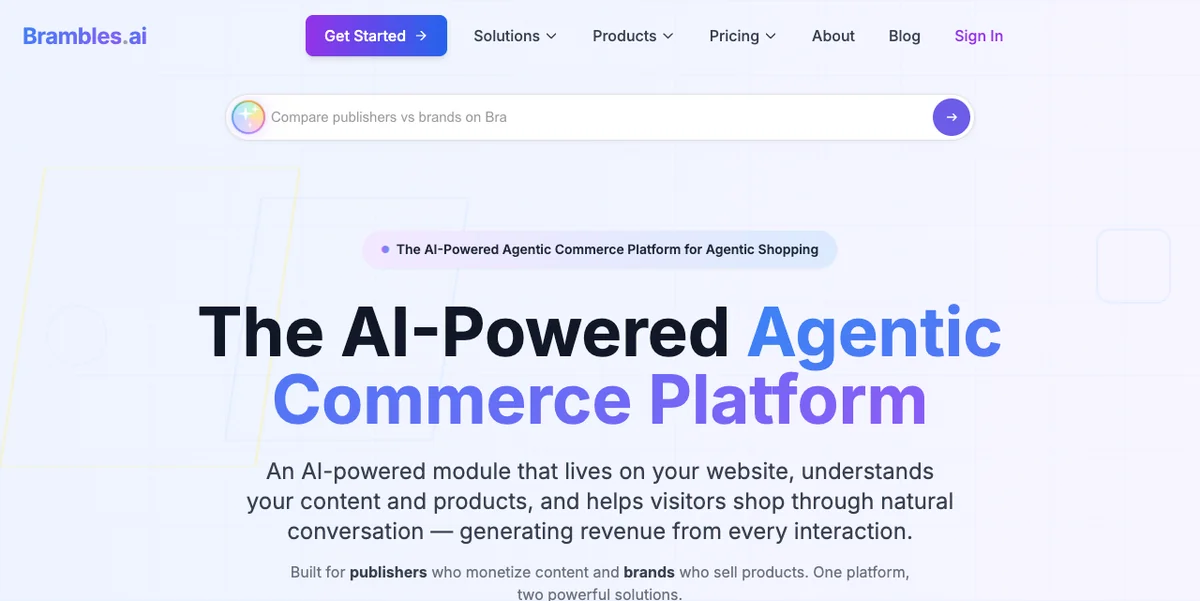
Bramble is the other widget here that genuinely pays the publisher, which makes it the closest comparison to ChatAds. It runs as an affiliate AI shopping chatbot, reading the page in real time and steering visitors toward products they can buy. Monetization is hybrid, spanning affiliate commissions across more than 15 networks, retail media, and contextual pay-per-click. The company claims a catalog of over a billion products with real-time price comparison to surface the highest available commission.
Where Bramble differs from ChatAds is the intent it depends on. Bramble is commerce-first, so it shines on buying-guide and review pages and does little on a recipe or how-to post where nobody is shopping. Bramble describes itself as “an AI-powered chat module that lives on your site, understands your content and products, and helps visitors shop through natural conversation,” a pitch that leads with its own shopping widget rather than content-trained question answering. Monetization spans 15+ affiliate networks and a catalog the company puts at over a billion products indexed, but the platform’s cut of each commission is not published. As an affiliate chat widget for blogs it works, but only for shopping intent, and you accept an undisclosed split to use it.
Pros:
- Hands-free affiliate revenue across more than 15 networks with automatic attribution
- Multiple income streams from affiliate, retail media, and contextual ads
- One-click WordPress install plus a framework-agnostic JavaScript embed
Cons:
- Revenue split with the publisher is not publicly disclosed
- Built for shopping intent, so it adds little on non-commerce content
- No third-party reviews yet to validate the product claims
Bramble stacks affiliate commissions, retail media, and contextual ads into one widget and attributes earnings automatically. Hands-free shopping revenue is the pitch. What Bramble does not publish is its own cut, so your net per sale stays hard to model until you turn it on.
Chatbase
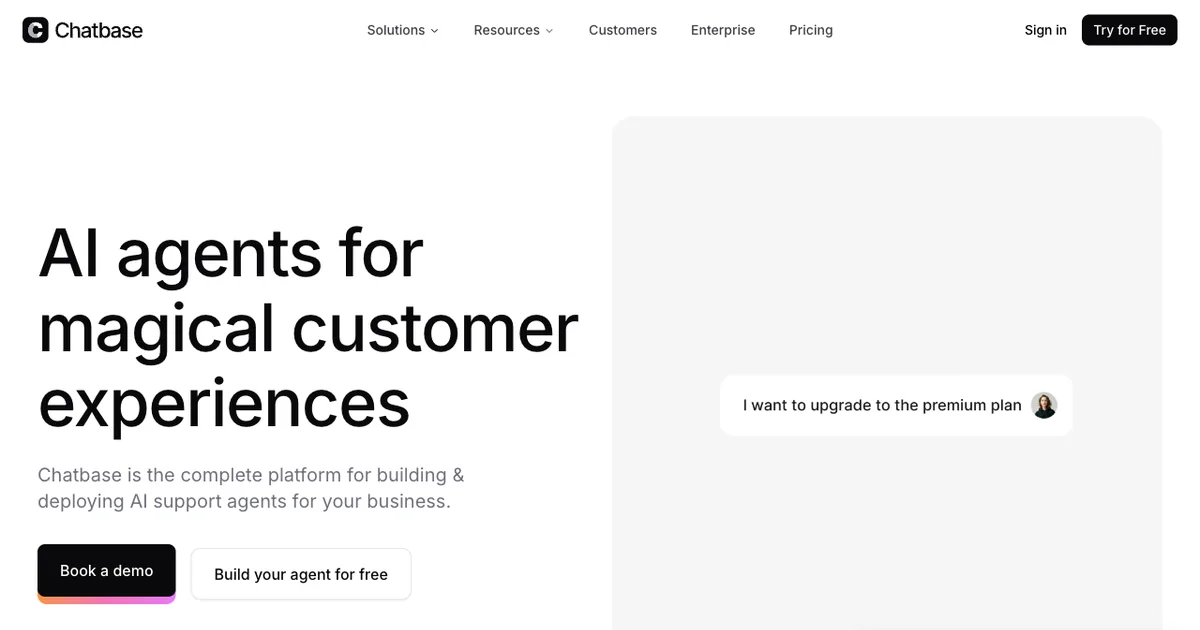
Chatbase moves us into the group that charges the blogger instead of paying them. It is a mature platform for building a custom GPT trained on your data, where you crawl the site, upload PDFs, pick a model from the GPT, Claude, or Gemini families, and drop in a snippet. The hosted model means no API keys, and the dashboard is polished after years in the market. For support and lead-gen work it is a capable product; Marc Manara, Head of Startups at OpenAI, has called it “a strong signal of how customer support will evolve” and “an early adopter of the agentic approach.”
The catch for bloggers is money flowing the wrong way. Chatbase has no affiliate or ad monetization, so it is a pure cost with nothing coming back. Its free plan is really a 50-credit monthly demo, and usable volume starts around $32 a month on the entry paid plan and climbs fast on heavier traffic. The product targets support teams, which means AI chatbot monetization for bloggers was never a design goal. Reviews also split sharply, with billing complaints dragging its Trustpilot score well down.
Pros:
- Trains on your own content through site crawl and document uploads
- Hosted models across GPT, Claude, and Gemini with no keys to manage
- Mature dashboard with a deep integration ecosystem
Cons:
- No monetization, so it stays a cost center for a blogger
- Free tier is a 50-credit demo, not a live deployment
- Usable volume starts near $32 a month and scales steeply
- Billing complaints drag its Trustpilot rating down
Chatbase holds about 4.3 on Capterra across roughly 73 reviews, where ease of use scores higher than support. Its Trustpilot sits near 2.1, with recurring complaints about charges after cancellation and slow refunds. The gap reflects happy users on software sites and frustrated ones on complaint platforms.
Chatling
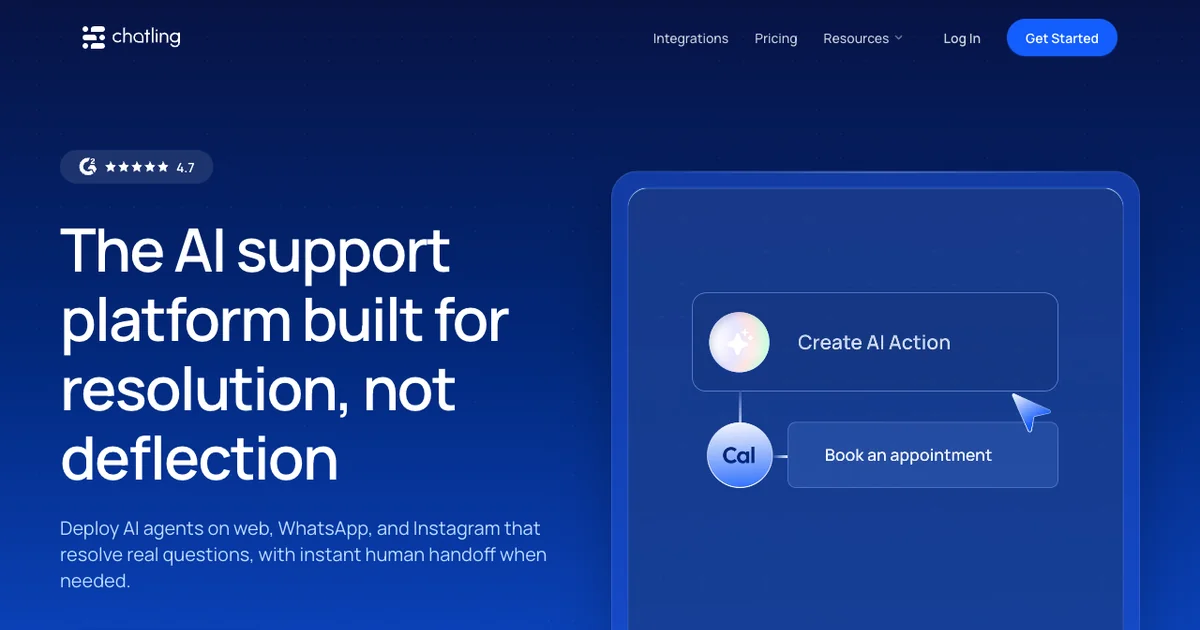
Chatling is another no-code builder, set apart by a visual drag-and-drop flow editor and a wide model and channel list. It hosts 28 models, deploys to web, WhatsApp, and Instagram, and bills through usage-based AI credits. The free tier is genuine, with 100 credits a month and no card required, and reviewers rate it well on G2. A blogger can stand up a trained bot without writing any code.
Still, it is built for support and lead generation, not for content publishers. Chatling has no monetization, so like Chatbase it only ever costs you money. The AI-credit model is hard to predict too, since a single premium reply can burn around 14 credits and a busy page drains an allowance quickly. Real setup also means building and training an agent and wiring up flows, not just pasting a script tag. It is more configurable than Chatbase, with the same total lack of any revenue path.
Pros:
- Genuine free tier with 100 credits a month and no card
- Visual drag-and-drop builder plus web, WhatsApp, and Instagram channels
- Wide model choice across 28 hosted options, rated 4.7 on G2
Cons:
- No monetization, so it stays a cost center
- AI-credit usage is hard to predict on premium models
- Real setup means building and training an agent, not a drop-in
Chatling scores around 4.7 on G2 across roughly 62 reviews, with a Trustpilot score near 4.3. Reviewers praise the visual flow builder and fast deployment, while flagging a learning curve on advanced features and limits for specialized use cases. Those are strong scores for a tool this young.
Tidio
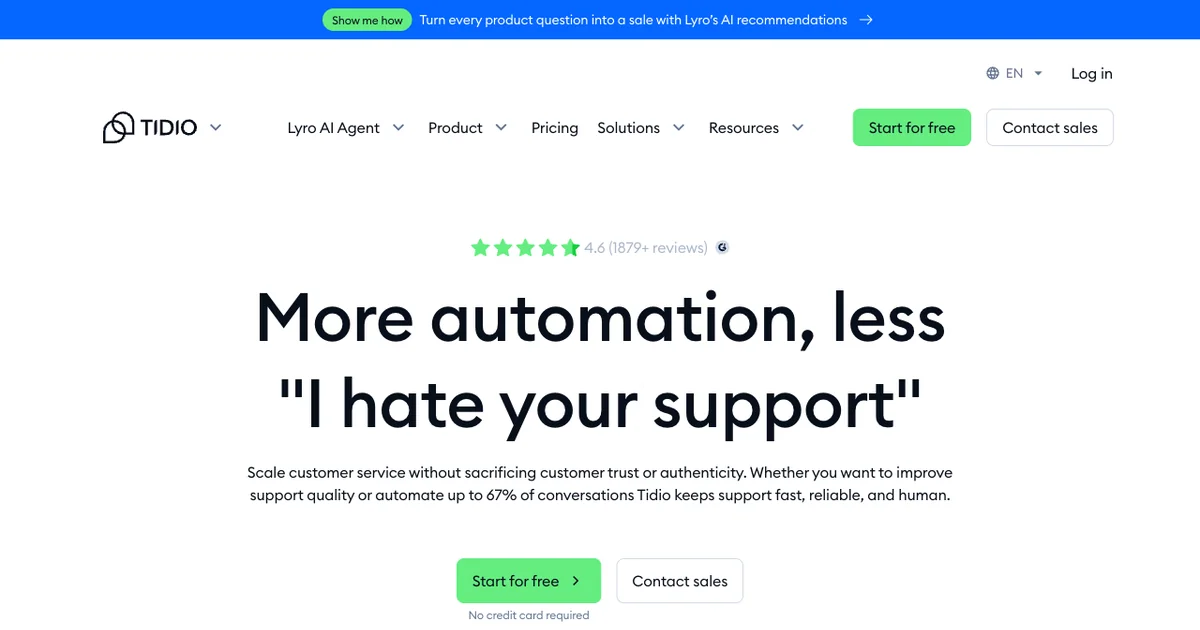
Tidio is the oldest and most reviewed tool here, founded in 2013, and bloggers run into it constantly. It bundles live chat, ticketing, no-code flows, and an AI agent called Lyro that Tidio hosts on Claude and in-house models, so there are no keys to manage. Its reviews are the strongest on this list, at 4.6 on G2 and 4.7 on both Capterra and the Shopify App Store. The widget installs on any website in just minutes.
The problem for a blogger comes down to shape and price. Tidio is a customer-support and ecommerce suite, so a blogger uses a sliver of an overbuilt product and earns nothing from it. Pricing scales with conversation volume, and Lyro, which Tidio says “automatically scrapes your support content and uses it as its knowledge base”, is metered separately at $0.50 per conversation after only 50 lifetime free AI chats. There is no affiliate or ad revenue anywhere in the product. Tidio is not a monetized AI chat widget for publishers in any real sense, since the only money it moves comes out of your account.
Pros:
- Works on any site with native plugins for major platforms
- Hosted Lyro AI on Claude with no keys to manage
- Strongest third-party reviews on this list, across G2, Capterra, and Shopify
Cons:
- No monetization, so it only ever costs the blogger
- Built for support and ecommerce, overbuilt for blog Q&A
- Lyro is metered separately and climbs with traffic
Tidio is the most reviewed tool here, with about 4.6 on G2 across roughly 1,880 reviews and 4.7 on both Capterra and the Shopify App Store. The scores reflect a stable, well-supported product with a long track record. They say nothing about monetization, because there is none for a publisher.
AI Engine (Meow Apps)
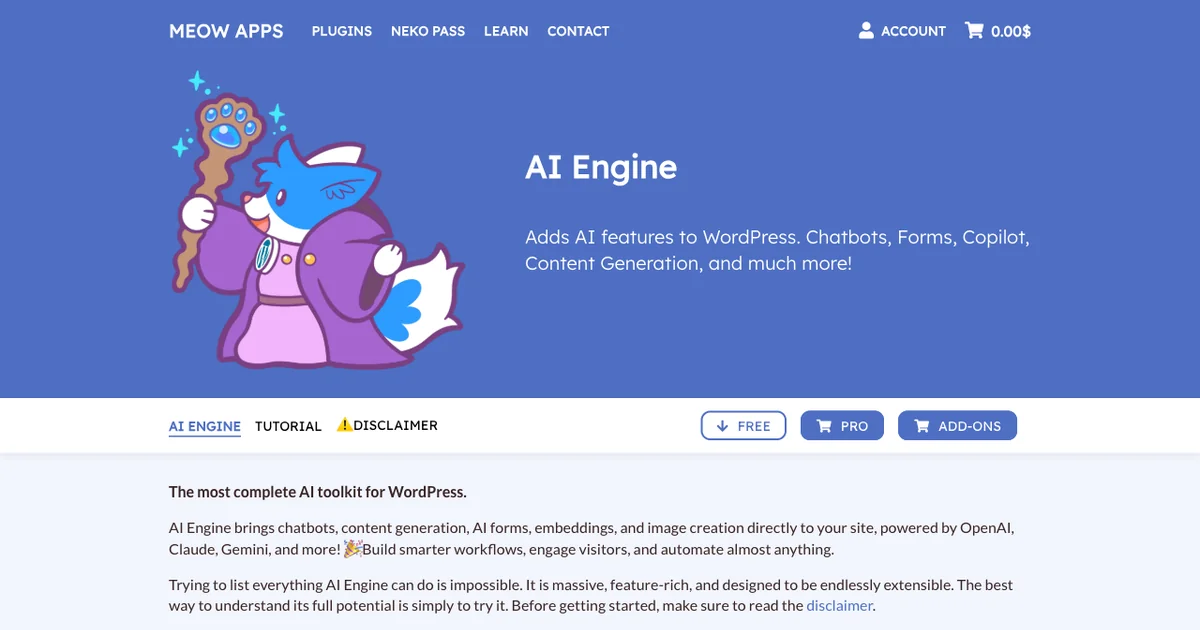
AI Engine closes the cost-center group with the most technical pick, a WordPress-native plugin from Meow Apps. It is one of the most installed AI plugins anywhere, with more than 100,000 active installs and a 4.9 rating across hundreds of reviews. The free core is genuinely full-featured, covering chatbots, content tools, and an MCP server, with Pro starting at $59 a year. For a developer-minded WordPress owner it covers a lot of AI ground in one plugin.
Two hard limits matter a lot for bloggers on this list. AI Engine runs on WordPress only, so Shopify, Squarespace, and static sites are out, and it is bring-your-own-key, meaning you supply and fund the model key and pay the provider for every conversation. Setup is hands-on rather than plug-and-play, and without built-in monetization, conversations never produce chat widget affiliate links or any income. It is cheap to license and flexible, yet you fund the inference and earn nothing back.
Pros:
- Free, full-featured core with chatbots, content tools, and an MCP server
- WordPress-native with no external service or script dependency
- Broad provider choice with no lock-in, from OpenAI to self-hosted models
- One of the most installed AI plugins, rated 4.9 on WordPress.org
Cons:
- WordPress only, so non-WordPress sites cannot use it
- Bring-your-own-key means you fund the LLM for every conversation
- No monetization and a hands-on, developer-leaning setup
AI Engine carries a 4.9 rating on WordPress.org across 837 ratings, with more than 100,000 active installs and frequent updates. The numbers mark it as a trusted, well-maintained plugin in the WordPress world. The trade is that you stay on WordPress, manage your own key, and earn nothing from the chat.
How to Choose
The right widget depends on what you want the chat to do for your blog. If your goal is deflecting support questions or capturing leads, the SaaS tools like Tidio, Chatbase, and Chatling, or the WordPress toolkit in AI Engine, all answer reader questions well. Each one, though, is a cost you carry every month with nothing flowing back.
To actually earn from on-page chat, only two qualify, and they split by intent. Bramble fits shopping-heavy sites that accept an undisclosed commission cut, while ChatAds fits almost any blog that wants free, no-code chat that answers from the page the reader is on and pays through affiliate links you keep in full. If you want to see the affiliate networks that sit behind a widget like this, our rundown of blogger AI assistant affiliate monetization vendors covers the accounts that power it. Most widgets quietly turn AI chat into another bill. The better move is picking one that turns the same conversation into income.
Connect an Amazon Associates or other affiliate account, drop the free ChatAds script onto your blog, and switch on monetization. The widget reads the post your visitor is viewing, answers reader questions from it with no training step, and turns product mentions into commission links you keep in full, so on-page chat starts earning instead of billing.
Frequently Asked Questions
What is the best monetized AI chat widget for a blog in 2026?
ChatAds is the strongest fit for most blogs because it is the only widget here that is both free and built to pay the publisher. It installs in one line, answers from the post the reader is on with no training step, and turns product mentions in chat into affiliate links you keep in full. Bramble also pays publishers but only on shopping intent and with an undisclosed cut.
Which AI chat widgets actually pay publishers instead of charging them?
Only two of the six platforms in this guide pay the publisher: ChatAds and Bramble. The other four, Chatbase, Chatling, Tidio, and AI Engine, are cost centers you pay a subscription or inference bill to run with no revenue coming back. ChatAds is the only one that is both free and monetizing.
How does an affiliate chat widget for blogs make money?
An affiliate chat widget detects product mentions in the assistant's replies and rewrites them as affiliate links tied to your connected accounts. When a reader clicks through and buys, you earn the commission. With ChatAds the matching runs before the reader sees the answer, so the chat never stalls and you keep 100% of what the affiliate program pays.
Is there a free AI chat widget that pays publishers with affiliate links?
ChatAds is the only free AI chat widget on this list that pays publishers through affiliate links. The free tier covers 100 messages a day, hosts the language model for you, and takes no cut of your commissions. Most other free tiers, like Chatbase and Chatling, are credit-limited demos with no way to earn.
Does ChatAds take a cut of affiliate commissions?
No. ChatAds takes zero percent of affiliate earnings, so every commission your connected account generates stays with you. The links use your own affiliate accounts, which is what makes the 100% retention possible. Bramble, by contrast, pays publishers on an undisclosed split.
Can you add AI chatbot monetization to a blog without coding?
Yes. ChatAds adds AI chatbot monetization to a blog with one line of JavaScript and a monetization toggle, with no code or model keys to manage. It works on WordPress, Shopify, Squarespace, and static sites. Once your affiliate account is connected, the widget handles product detection and link insertion on its own.