Readers open an AI chat on your blog post
A chat button sits in the corner of the page. Readers can ask about the article - what's on the list, which option fits them, how something works.
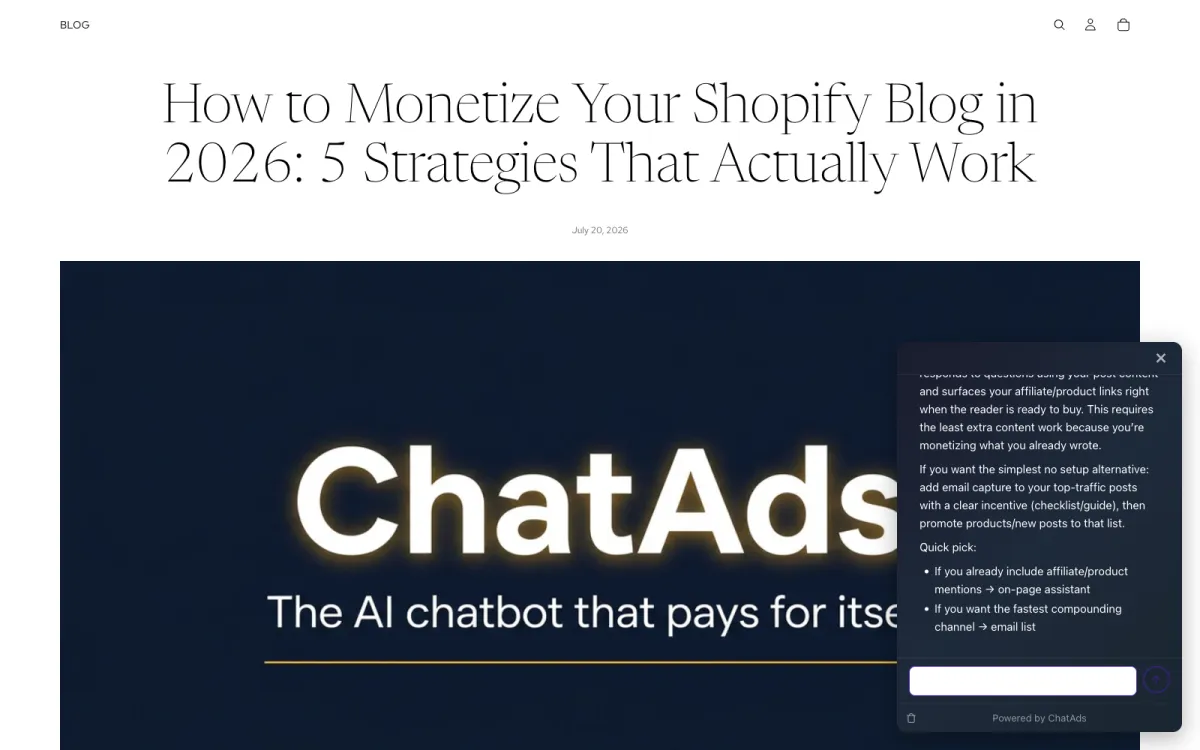
Readers ask follow-up questions about your posts. ChatAds answers from the page, and when the answer mentions something you sell, it links straight to your product page.
When readers have a follow-up question, they open ChatGPT in another tab - and rarely come back. ChatAds answers right on the page, grounded in the article they're reading, and points them to the products you already sell.
A chat button sits in the corner of the page. Readers can ask about the article - what's on the list, which option fits them, how something works.
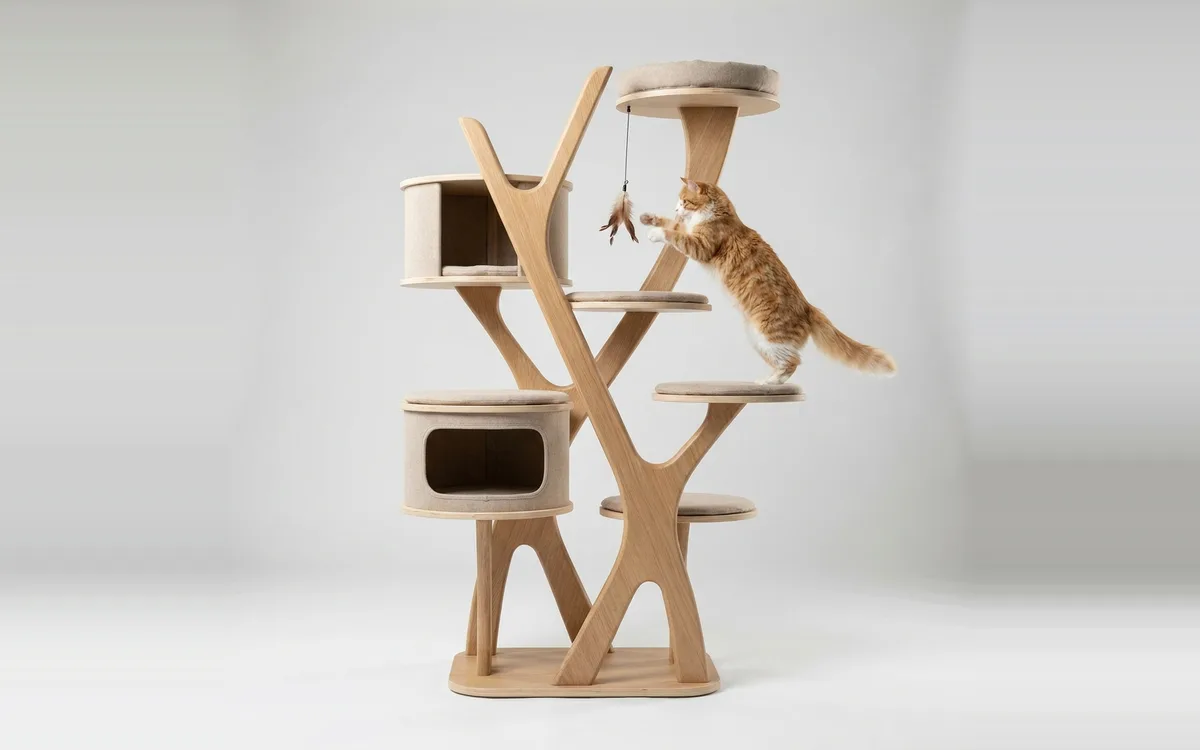
When the answer mentions a product your post links to - like the cat tree your store sells - ChatAds wraps that phrase in a link to its product page.
One click takes the reader from the chat to the product in your store, ready to add to cart. The sale happens in your checkout, like any other order.
Links go inside the answer, in this order. No banner ads, no carousels.
ChatAds picks up the product links in your post - including Shopify product cards - and links the AI's mention of that product to its page in your store. Nothing to sync.
If your article links to another page on your store, like a buying guide or a collection, the answer uses that link too, so the reader keeps browsing.
If your posts carry affiliate links for gear you don't stock, ChatAds can surface those too. Optional - turn it on in your dashboard.
Nothing your page doesn't link. No Amazon fallback, no marketplace links.
Which of these is best for an older cat?
For an older cat I'd go with the Arbor Modern Cat Tree1. Its low first platform is easy on stiff joints. If you're weighing it against wall shelves, the senior cat climbing guide2 covers the trade-off. A heated cat pad3 on the top perch is worth adding too.
Links may include affiliate offers
"Which of these is best for an older cat?" "Will it fit in a small apartment?" "What's the difference between the two?" ChatAds turns those moments into a conversation that ends on your product page instead of someone else's.
No code, no theme edits, no credit card.
Install ChatAds from the Shopify App Store and create a free ChatAds account. Add your store's domain, then copy the widget key at the bottom of the page.
In Shopify, go to Online Store, then Edit theme. Open App embeds, find ChatAds Widget, switch it on, and paste your key. Save, and the chat button appears on your store.
From your ChatAds dashboard, set the assistant's name, welcome message, starter questions, and button color, choose whether it shows on mobile, and turn on product links. Track conversations and clicks in the same place.
Online Store › Themes › Edit theme
App embeds
ChatAds Widget [ ON ]
Widget key
cwk_your_widget_key
Save → the chat button is live
Yes. ChatAds is free for Shopify stores, with no credit card needed. Paid plans are not offered on Shopify, so there's never a charge.
No. ChatAds installs as a Shopify app embed. You switch it on in the theme editor and paste your widget key - no Liquid edits, no script tags, and it works with both Online Store 2.0 and vintage themes.
No. On Shopify storefronts, ChatAds never adds new marketplace links. It only re-uses links already on your page - your own product pages, plus any affiliate links you placed yourself.
No. ChatAds reads the page it's on, so it can answer questions about the article from the first message. There's no catalog to sync and nothing to upload or maintain.
None. The app requests no Admin API scopes and never sees your orders or customers. It only reads the public page a visitor is viewing so the assistant can answer. See our privacy policy.
Yes. From the dashboard you can change the assistant's name, welcome message, starter questions, and button color, hide it on mobile, and limit it to English-language pages.
No. The widget is a single ~20 KB script that loads async, so it never blocks your page from rendering, and it causes no layout shift.
Yes. ChatAds works on any site with a single script tag, and there's an official WordPress plugin. See the ChatAds homepage for the full product.
It answers your readers' questions and links them to the products you sell.