
An AI-powered blog in 2026 no longer means a site full of robotic, AI-written filler. It means using smart software at every stage of publishing, from the first draft to the moment a reader lands on the page. The tools that matter help you write, rank, illustrate, edit, and now answer your audience directly.
Most bloggers feel buried under hundreds of AI products that all promise more traffic and revenue. The hard part is working out which ones actually move the needle instead of quietly draining your budget. We picked five tools, and each one owns a single job so they work together instead of overlapping.
Four of these AI tools for blogs help you create content faster, while the first one makes the blog itself answer readers on its own.
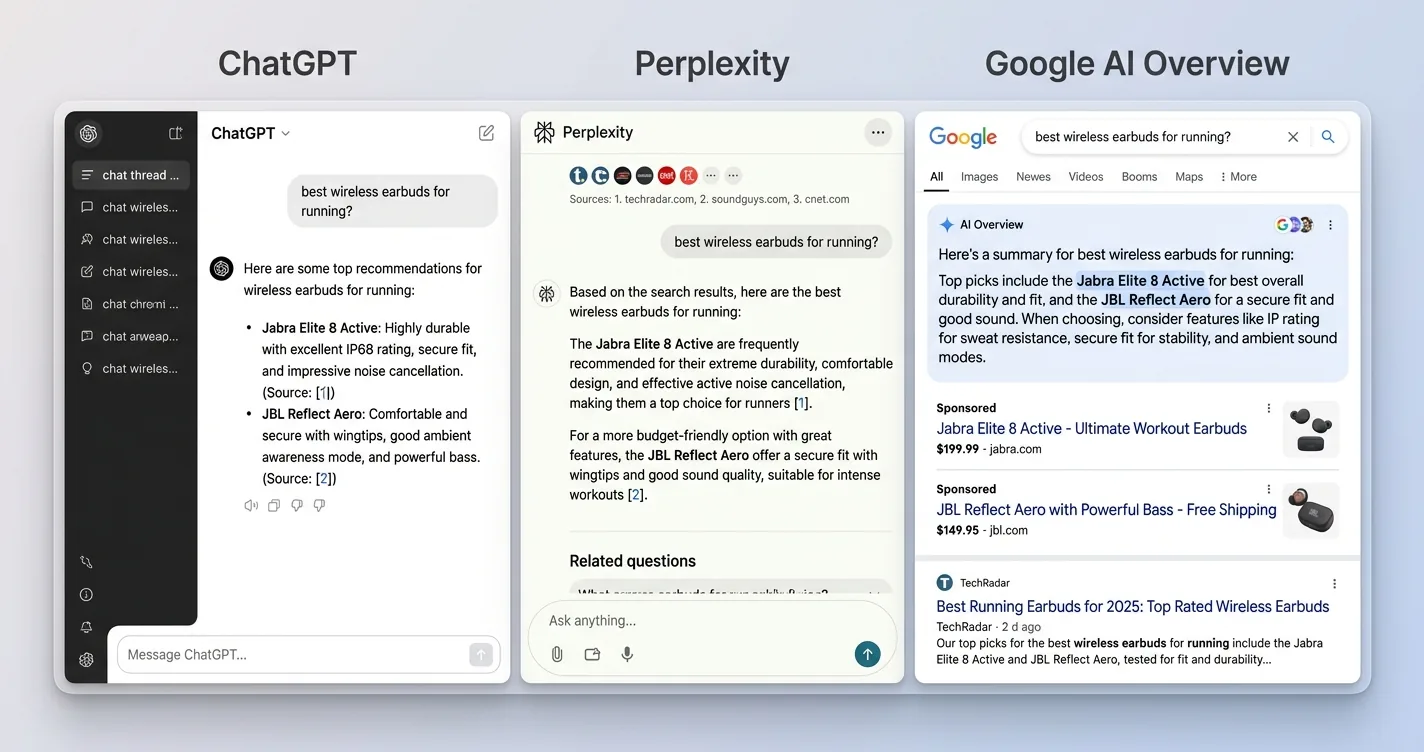
- Answer readers on the page: on-site AI chat that keeps visitors with your content instead of an AI Overview
- Write faster: a real long-form editor that drafts in your voice, not a blank chat window
- Rank in search: optimization scored against the pages already winning your keyword
- Illustrate every post: on-brand covers, social cards, and graphics without a designer
- Polish before publish: an always-on second read for grammar, clarity, and tone
Ask ChatGPT to summarize the full text automatically.
★ = low · ★★ = medium · ★★★ = high
| Tool | Free Tier | Ease of Use | Capability | Cost Value |
|---|---|---|---|---|
| ChatAds | ★★★ | ★★★ | ★★★ | ★★ |
| Jasper | ★ | ★★ | ★★★ | ★ |
| Surfer SEO | ★ | ★★ | ★★★ | ★★ |
| Canva Magic Studio | ★★★ | ★★ | ★★ | ★ |
| Grammarly | ★★★ | ★★ | ★★ | ★ |
ChatAds
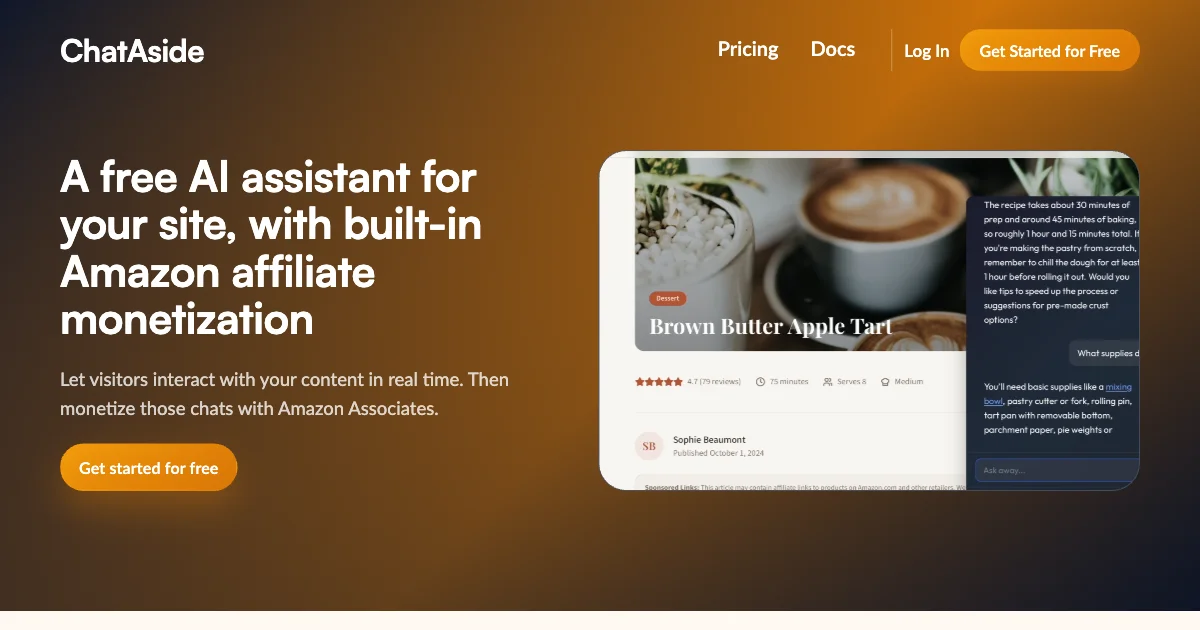
ChatAds is the only tool here that your readers actually see and use. It is a free blog AI chat widget that answers visitor questions using your own published articles. You paste one line of JavaScript into your site, and the assistant goes live in about five minutes.
There are no API keys to manage and no model bill to watch, because ChatAds hosts the language model for you. The widget reads your published content on its own, so every answer stays grounded in what you have already written rather than generic web facts.
The real point of ChatAds inside an AI-powered blog is engagement that you actually keep. Google AI Overviews and ChatGPT now answer many questions before anyone clicks through, so on-page chat gives readers a reason to stay with your content, which is why on-page chat can be worth more than another post. That same chat can also earn its keep over time.
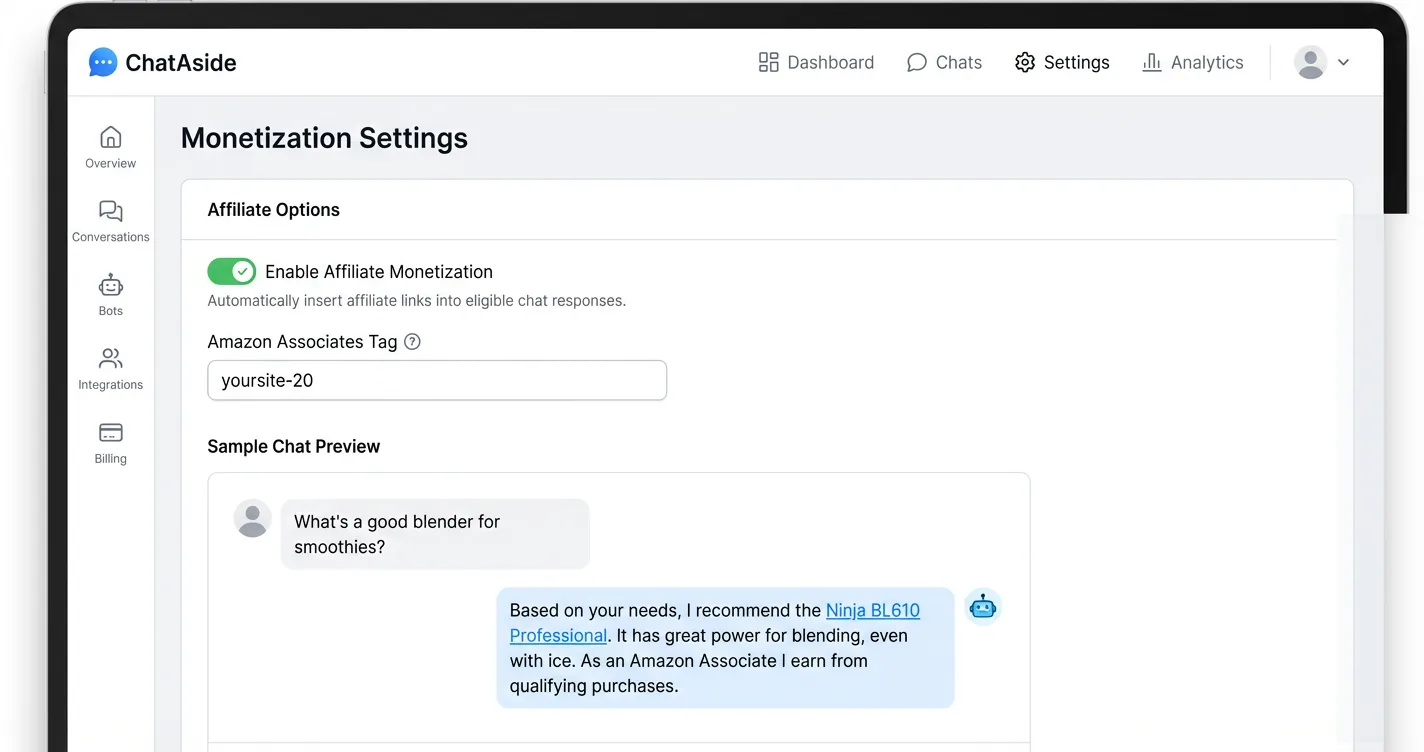
ChatAds adds opt-in affiliate monetization, where you connect an Amazon Associates account and product mentions in chat replies become commission links you keep in full. The free tier covers 100 messages a day with no credit card, and paid tiers raise that limit as your traffic grows.
If a free, no-code widget is all you need, our pick of the best free, no-code AI chat widgets for small blogs lines ChatAds up against the alternatives.
Pros:
- Completely free, including the hosted language model behind every reply
- One line of JavaScript installs on any platform and goes live in minutes
- Reads the article the reader is on, so answers stay grounded in your content
- Opt-in Amazon affiliate monetization where you keep 100 percent of commissions
Cons:
- Covers reader chat, not content creation, so pair it with writing tools
- Affiliate monetization is optional and US-focused today, not every network
Jasper
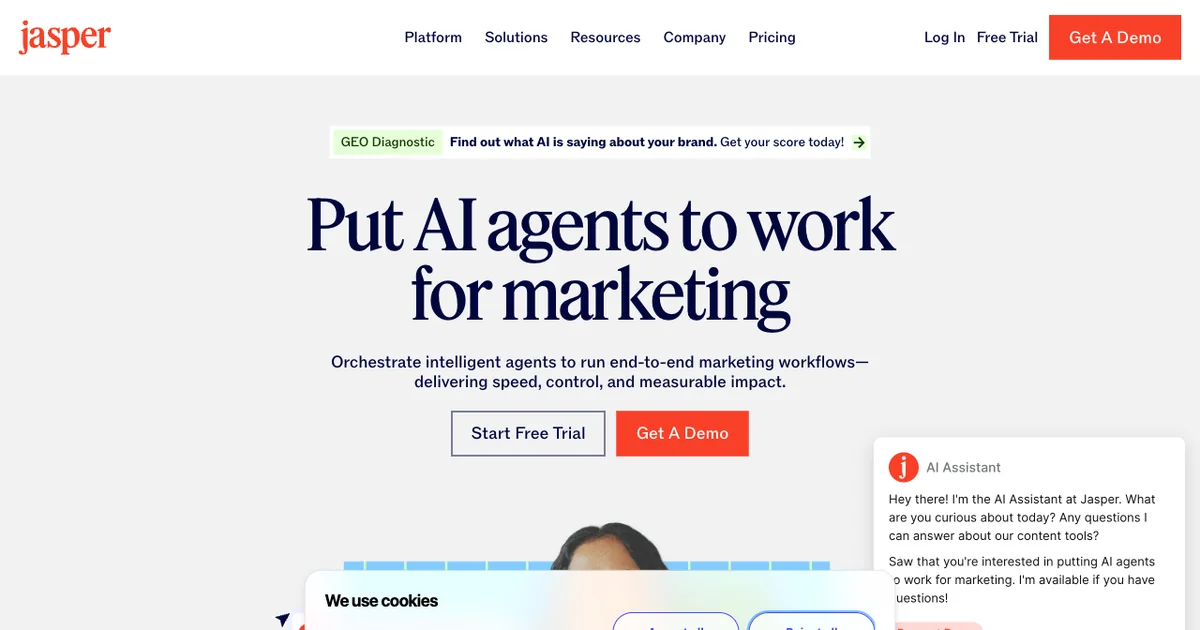
Jasper is a dedicated AI writing platform built for producing blog content at volume. Its biggest edge over re-prompting ChatGPT is a trained Brand Voice that learns from your existing posts and keeps every draft sounding like you. The long-form editor puts inline AI commands right next to your text, so drafting and polishing happen in one document.
Among AI blogging tools, Jasper sits at the premium end of the market. It routes across OpenAI, Anthropic, and Google models under one subscription, and its SEO Mode connects to Surfer so you can watch a draft improve as you write. Knowledge assets also let you store product and niche facts, so the AI stops inventing details across posts.
The real catch is the price tag and the product’s direction of travel. At $59 a month billed annually, it runs about three times ChatGPT Plus’s $20 a month, and recent work on agents and governance points the product toward marketing teams more than solo bloggers. Drafts also need human editing and fact-checking before they ever go live.
Reviewers still score it highly, with Jasper holding a 4.7 on G2 across roughly 1,270 reviews and a 4.8 on Capterra.
Pros:
- Trained Brand Voice keeps long-form drafts sounding like you, not generic AI
- Real long-form editor with inline commands beats copy-pasting from a chat window
- Multi-model routing across OpenAI, Anthropic, and Google under one subscription
Cons:
- Costs roughly three times ChatGPT or Claude for similar draft quality
- No free tier, and the enterprise pivot is leaving solo bloggers behind
Surfer SEO
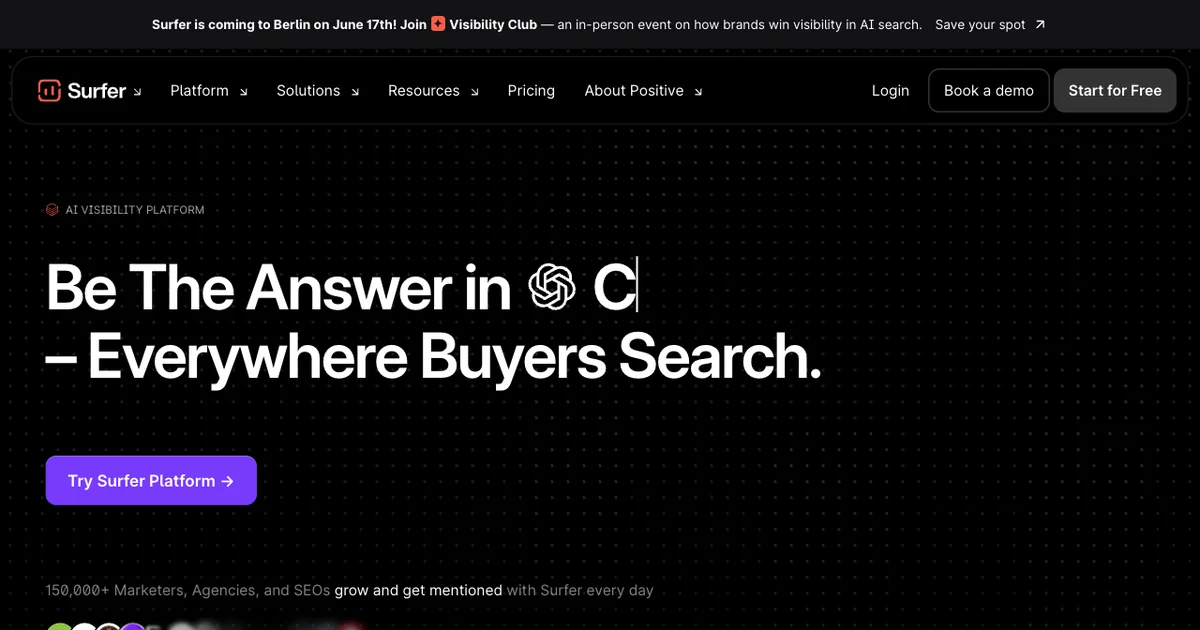
Surfer SEO is the tool that makes your posts compete in actual search results. Its Content Editor scores your draft against the pages already ranking for your keyword, turning vague SEO advice into a clear checklist of terms, headings, and length. For a blogger without an SEO background, that live score is the fastest way to write pages that can genuinely rank.
What makes Surfer one of the more useful AI tools for blogs in 2026 is its reach into AI search. The new AI Tracker watches whether ChatGPT, Perplexity, and Google AI mention your brand, which matters as those answers intercept search traffic. Its Content Audit also flags decaying posts and suggests fixes, usually the highest-return work for an established blog.
Pricing restructured in early 2026 and climbs quickly once you pass the entry tier. The Content Score is also correlational, so chasing it blindly can invite keyword stuffing and flatten your prose. Even so, Surfer SEO earns top marks in its category, with a 4.8 on G2 and a 4.9 on Capterra.
It also handles one-click internal linking and pushes guidelines straight into Google Docs or WordPress. Those integrations mean you optimize inside your existing workflow instead of juggling another browser tab.
Pros:
- Content Editor turns SEO guesswork into a concrete, real-time checklist
- Content Audit refreshes decaying posts, the highest-return task for older blogs
- AI Tracker monitors whether ChatGPT, Perplexity, and Google AI cite your brand
- Best-rated tool in its category, with 4.8 on G2 and 4.9 on Capterra
Cons:
- Pricing climbs fast once you move past the entry tier
- Content Score is correlational, so blind score-chasing flattens your writing
- Keyword research and rank tracking are shallow next to Ahrefs or Semrush
Roughly "[68.01% of Google searches ended without a click](https://sparktoro.com/blog/in-2026-less-than-one-third-of-google-searches-still-send-a-click/)" in early 2026, per SparkToro's zero-click research, as featured snippets, AI Overviews, and other on-page answers intercept the question before a reader leaves the results page. Optimizing a post to rank still matters, but it no longer guarantees the visit. That is the gap an on-page tool like ChatAds fills, turning the readers who do land on your blog into a conversation instead of a bounce.
Canva Magic Studio
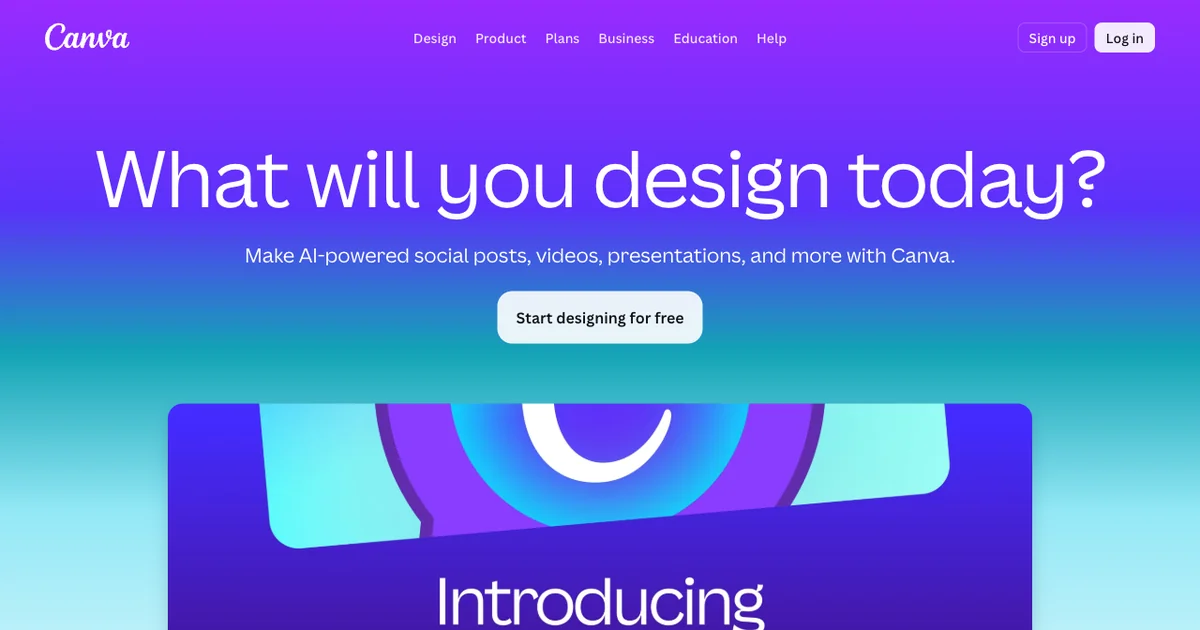
Canva Magic Studio is the visual workhorse of an AI-powered blog. It is not the sharpest AI image generator on the market, but it is the only mainstream tool where you generate, brand, resize, and bulk-produce graphics in one place. Magic Media and the Leonardo-powered Dream Lab create featured images, while Magic Design turns a few words into a finished layout.
The feature that earns its spot among AI tools for bloggers is Magic Resize. One blog cover becomes a Pinterest pin, an Open Graph image, and a social card in a single click, and Bulk Create can spin dozens of pins from a spreadsheet of titles. Background Remover and Magic Expand also clean up stock photos, so a plain image becomes a polished blog header without a separate editor.
The raw image quality trails Midjourney and tends toward a recognizable Canva look. Canva’s own shared AI allowance on Pro, “up to 2,000 uses for Standard AI tools, OR up to 200 uses for Premium AI tools, OR up to 20 uses for Ultra AI tools,” can also pinch image-heavy bloggers who lean on the pricier tools and generate in bulk. Still, Canva offers a genuinely usable free tier, a roughly $15 a month Pro plan, and a 4.7 rating across thousands of G2 and Capterra reviews.
Pros:
- Generate, brand, resize, and export every blog graphic inside one editor
- Magic Resize turns one cover into pins, OG images, and social cards instantly
- Real free tier with a low $15 a month upgrade for the full workflow
Cons:
- AI image quality is mid-tier and trails dedicated generators like Midjourney
- Pooled AI credits on Pro run out for image-heavy publishers
- Template reuse can give graphics a generic, recognizable Canva look
Grammarly
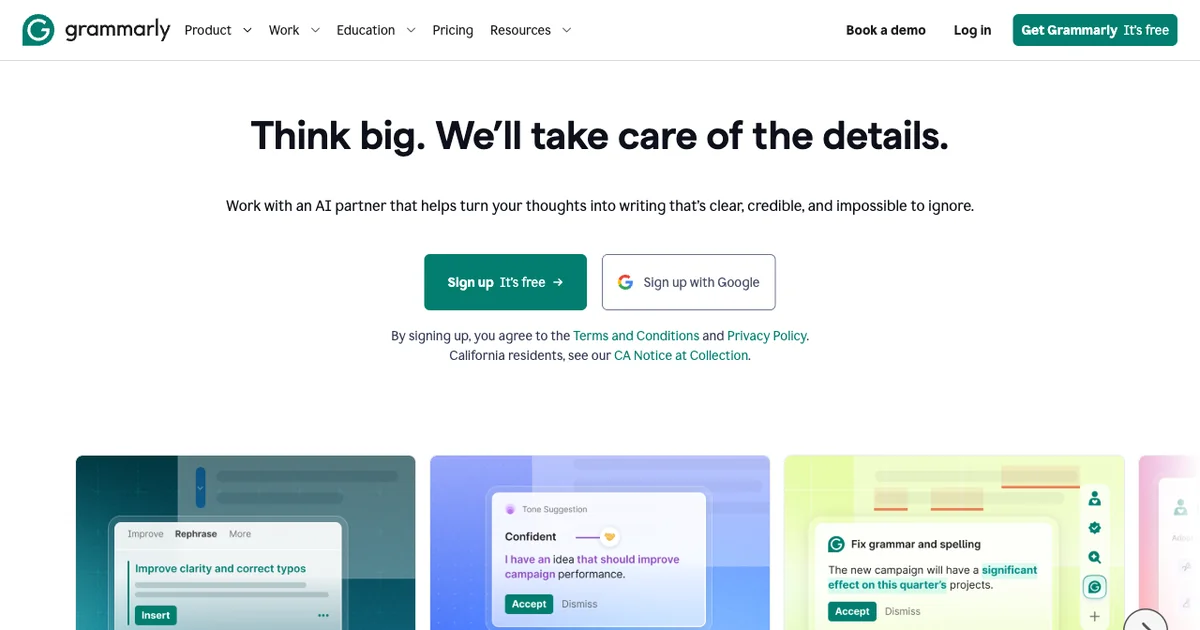
Grammarly is the last-mile polish layer for everything that you publish. Its browser extension checks grammar, clarity, and tone inline wherever bloggers write, from the WordPress editor to Google Docs and Notion. There is no copy-paste step, which is the single practical advantage that keeps it ahead of most rivals.
Of the AI blogging tools in this stack, Grammarly is the cheapest and has the most generous free tier. The free plan covers core grammar, spelling, and tone detection plus “100 AI prompts” a month, and many bloggers never need to pay. Pro adds full-sentence rewrites, a plagiarism checker, and AI detection for vetting guest posts, at $12 a month billed annually.
Accepting every suggestion can flatten a distinctive voice, so treat the tool as a filter rather than autopilot. All of your text is also processed in the cloud, which is a judgment call for sensitive drafts. Grammarly carries a 4.7 rating across more than 20,000 combined reviews, and its parent company rebranded to Superhuman in late 2025 while, per the announcement, “nothing changes about the products” existing users rely on.
For a solo blogger without an editor, that always-on second read is the cheapest quality boost in the whole stack.
Pros:
- Checks grammar, clarity, and tone inline with no copy-paste workflow
- Generous free tier that many bloggers can run indefinitely
- Plagiarism and AI detection built in for vetting guest posts on Pro
- Cheapest paid tool in the stack at $12 a month billed annually
Cons:
- Accepting every suggestion can flatten a distinctive writing voice
- All checked text is processed on Grammarly's cloud servers
How to Choose
The right tools come down to your actual bottleneck rather than a feature chart. Slow drafting points to Jasper, posts that will not rank point to Surfer, slow visuals point to Canva, and error-prone publishing points to Grammarly. Most bloggers do not need all five running on day one.
Start with free Grammarly and free Canva, then add Surfer or Jasper once your publishing volume justifies it. The four creation tools all make you faster behind the scenes. ChatAds is the free way to make the AI-powered blog itself work for readers, with on-page chat grounded in the post the reader is on, a one-line install, and optional affiliate monetization that turns engagement into revenue instead of another subscription. If reader chat is your priority, our roundup of tools for adding AI chat to your blog compares the widget options head to head.
Since ChatAds costs nothing and installs in minutes, it is the natural first experiment for any blog.
Do not buy the whole stack at once. Pick the single tool that fixes your worst bottleneck this month, run it on a few live posts, and only add the next one when the first has clearly paid for itself. Layer ChatAds in early since it is free, then let your actual traffic and revenue decide which paid creation tool earns a spot next.
Frequently Asked Questions
What are the best AI tools for building an AI-powered blog?
The best AI tools for an AI-powered blog each own one job: ChatAds for reader-facing chat, Jasper for writing, Surfer SEO for ranking, Canva Magic Studio for graphics, and Grammarly for editing. Most bloggers start with the free tools, ChatAds, Grammarly, and Canva, then add a paid writing or SEO tool as publishing volume grows. The goal is a stack where each tool covers a distinct stage rather than overlapping.
What is the best AI chat widget for a blog?
ChatAds is the strongest blog AI chat widget for most publishers because it is free, installs with one line of JavaScript, and answers from the article the reader is on. It also adds opt-in Amazon affiliate monetization, so the chat can earn revenue instead of only costing you a model bill. That combination of free hosting and built-in earning is rare among chat widgets.
Can you build an AI-powered blog for free?
Yes. You can run a capable AI-powered blog on free tiers alone by pairing ChatAds for reader chat, Grammarly for editing, and Canva for graphics, none of which require a credit card to start. Paid tools like Jasper and Surfer SEO add power for writing and ranking, but they are upgrades you add once volume justifies them rather than day-one requirements.
Do AI blogging tools hurt your SEO?
AI blogging tools do not hurt SEO when you use them to assist rather than autopilot, since Google rewards helpful, original content regardless of how it was produced. Edit every AI draft for accuracy and voice, and treat SEO scores from tools like Surfer as a guide rather than a target to chase blindly. Publishing unedited, score-stuffed AI output is what actually risks your rankings.
What is the best AI writing tool for bloggers in 2026?
Jasper is the best dedicated AI writing tool for bloggers in 2026 thanks to its trained Brand Voice and real long-form editor, though it costs about three times a ChatGPT Plus plan. Budget-conscious bloggers can get most of the way with ChatGPT or Claude directly, then use Surfer SEO to optimize the draft and Grammarly to polish it. The right pick depends on whether voice consistency at volume is worth the premium price.
How do AI tools help you grow a blog?
AI tools help you grow a blog by speeding up every stage of publishing, from drafting and SEO to graphics and editing, so you ship more good posts in less time. The newer shift is reader-facing AI chat like ChatAds, which keeps visitors engaged on your pages as AI Overviews intercept more search traffic. Together they help you both produce content faster and keep the readers who arrive.