
Running a small blog in 2026 means competing with AI Overviews that answer your readers before they ever click through. Pew Research Center found that when an AI summary appears, Google users “clicked on a traditional search result link in 8% of all visits,” down from 15 percent without one. Search used to send people to your pages. Now a chatbot often hands them the answer and keeps the visit for itself, and the Nielsen Norman Group notes that even when readers do land, “the average page visit lasts a little less than a minute.”
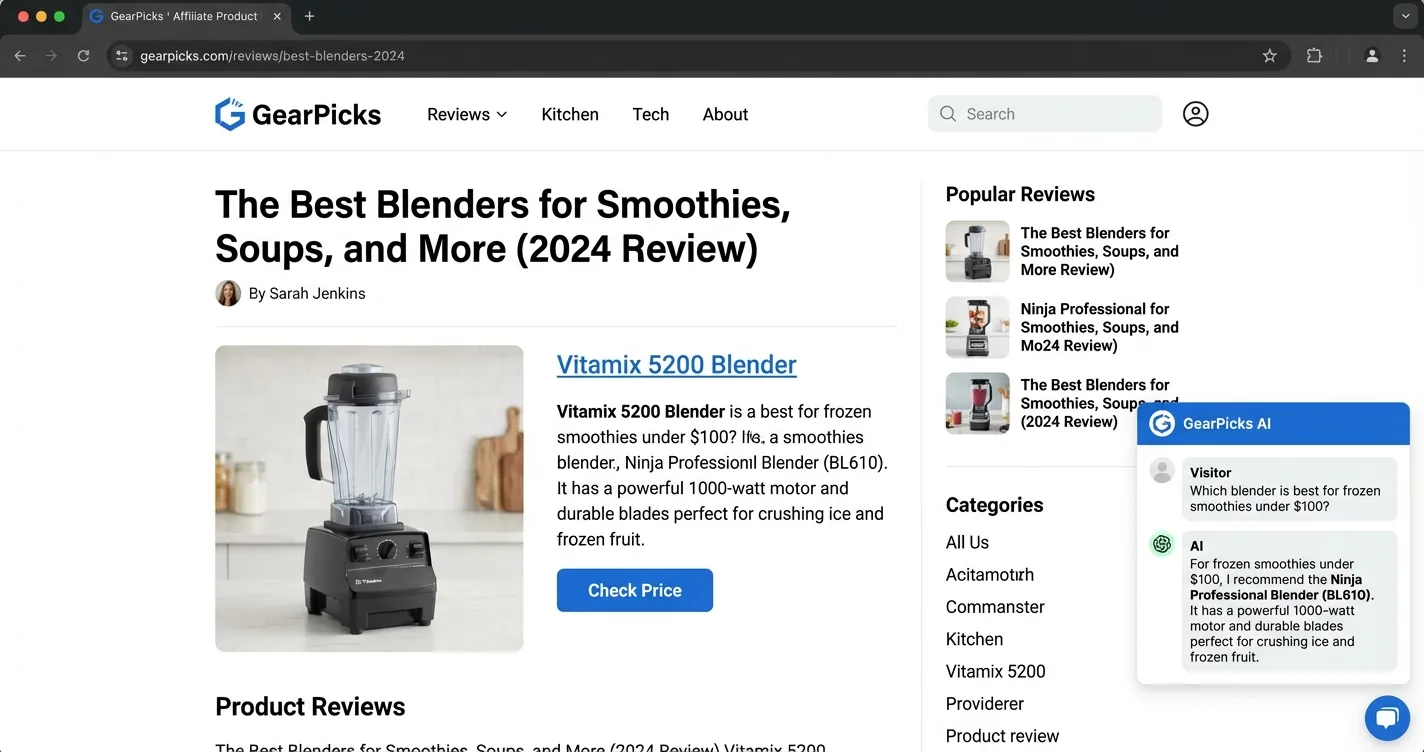
Adding AI chat to your own site turns that habit into time spent with your content instead of someone else’s. In Google Analytics 4, that extra interaction matters: it counts a session as engaged once it “lasts longer than 10 seconds” or has two or more page views, and a reader opening the chat clears that bar. The hard part used to be cost and code, like API keys, hosting bills, and recurring SaaS fees. That barrier is mostly gone for small publishers who know where to look.
We ranked seven widgets on what actually matters to a small blog: a genuine free tier, a no-code install, and no surprise model bill, with a note on the few that pay you back. For a broader take on the same space, our roundup of tools for adding AI chat to your blog compares a slightly different lineup on setup and features, and our comparison of AI chat widgets to boost blog engagement weighs them on dwell time instead of cost.
- Truly free: a plan you can run a live blog on, including the model behind every reply, not a 50-credit demo
- No-code install: one line of JavaScript on any platform, not a plugin plus an API key plus an agent to train
- No surprise model bill: hosted inference, so a popular post does not run up a per-token charge
- Pays you back: opt-in affiliate monetization that earns from the chat instead of only billing you for it
Ask ChatGPT to summarize the full text automatically.
★ = low · ★★ = medium · ★★★ = high
| Widget | Setup Speed | Free Tier | Platform Reach | Cost Value |
|---|---|---|---|---|
| ChatAds | ★★★ | ★★★ | ★★★ | ★★ |
| Bramble | ★★ | ★ | ★★★ | ★★ |
| Chatling | ★★ | ★★ | ★★★ | ★ |
| Tidio | ★★ | ★ | ★★★ | ★ |
| WPBot | ★★ | ★★ | ★ | ★★ |
| AI Puffer | ★ | ★★ | ★ | ★★ |
| Kognetiks Chatbot | ★ | ★★★ | ★ | ★★ |
ChatAds
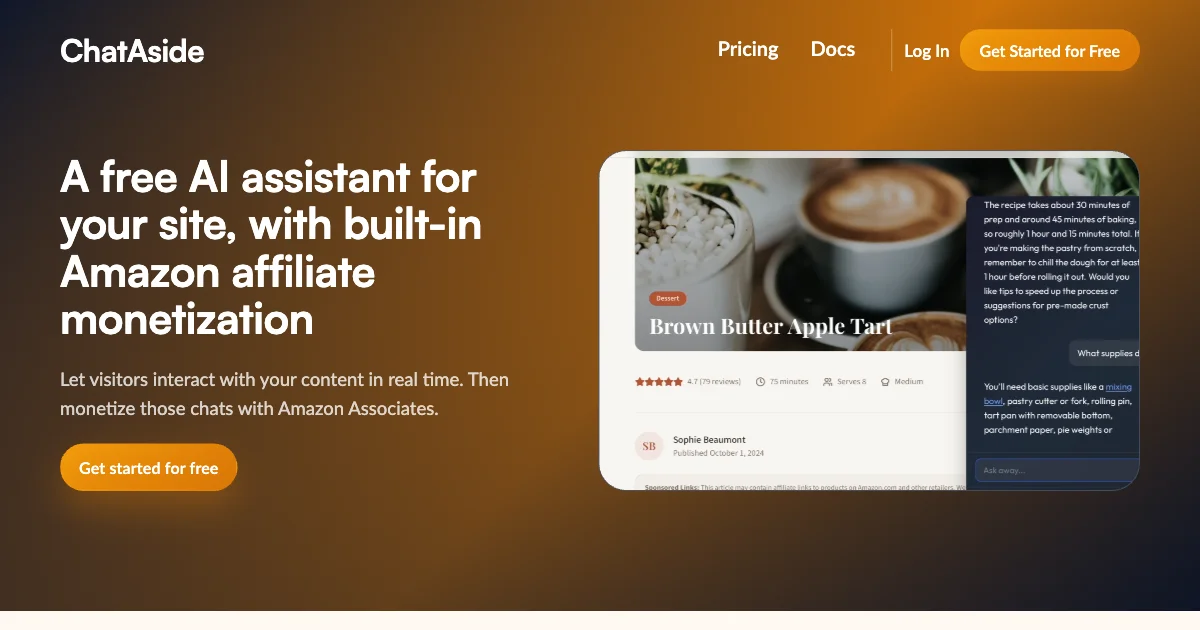
ChatAds is the rare free AI chat widget built for bloggers instead of support teams. You paste one line of JavaScript into any site, and the assistant is answering readers within a few minutes. Nothing about it asks for an API key or a monthly model bill, since ChatAds hosts the language model and the inference for you.
The widget reads your own articles and answers from them, so a recipe reader asking about a substitution gets your guidance, not generic web text. Its real edge over a plain support bot is monetization that comes built in. You connect an Amazon Associates account, switch on the toggle, and product mentions inside replies turn into affiliate links you keep every cent of. ChatAds stays free because monetization funds it rather than charging the publisher, and the free tier covers 100 messages a day before Pro and Business raise the ceiling. For a small blog losing clicks to AI answers, it keeps readers on the page and earns its own keep.
Pros:
- Completely free, including the hosted model behind every reply, with no card to start
- One-line install on any platform, from WordPress to Squarespace to plain HTML, live in minutes
- Built-in Amazon affiliate monetization where the blogger keeps 100 percent of commissions
- Answers from the post the reader is on with no training step, so replies stay grounded in your content
Cons:
- Monetization runs on Amazon Associates only today, so other affiliate networks are not supported yet
- Hosted model only with no bring-your-own-LLM option, and no G2 reviews since it launched in 2026
Bramble
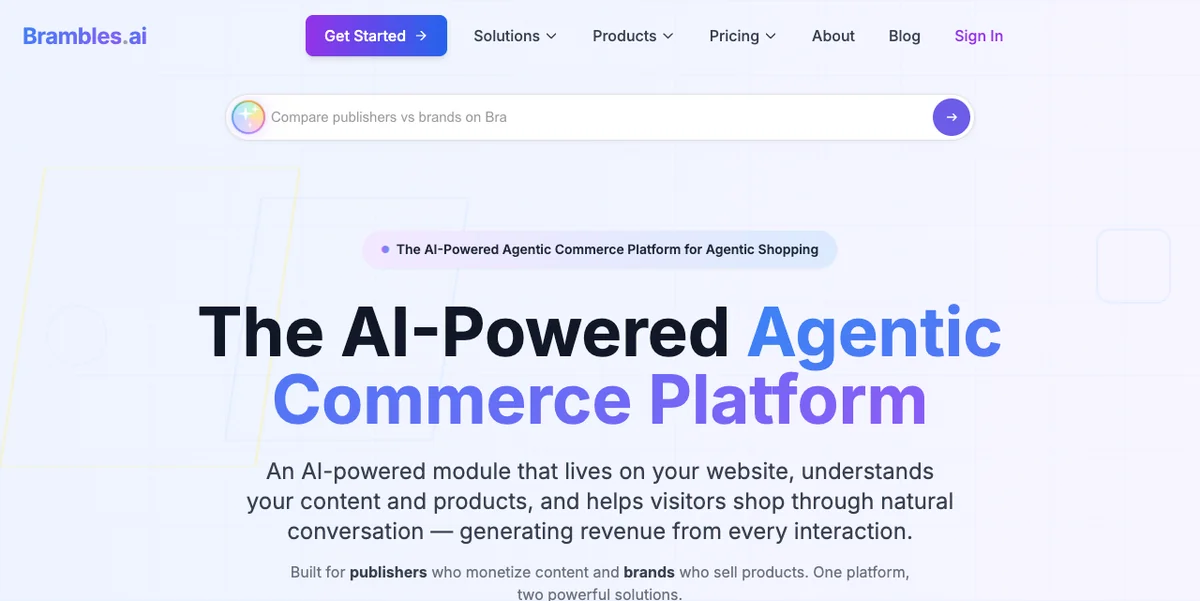
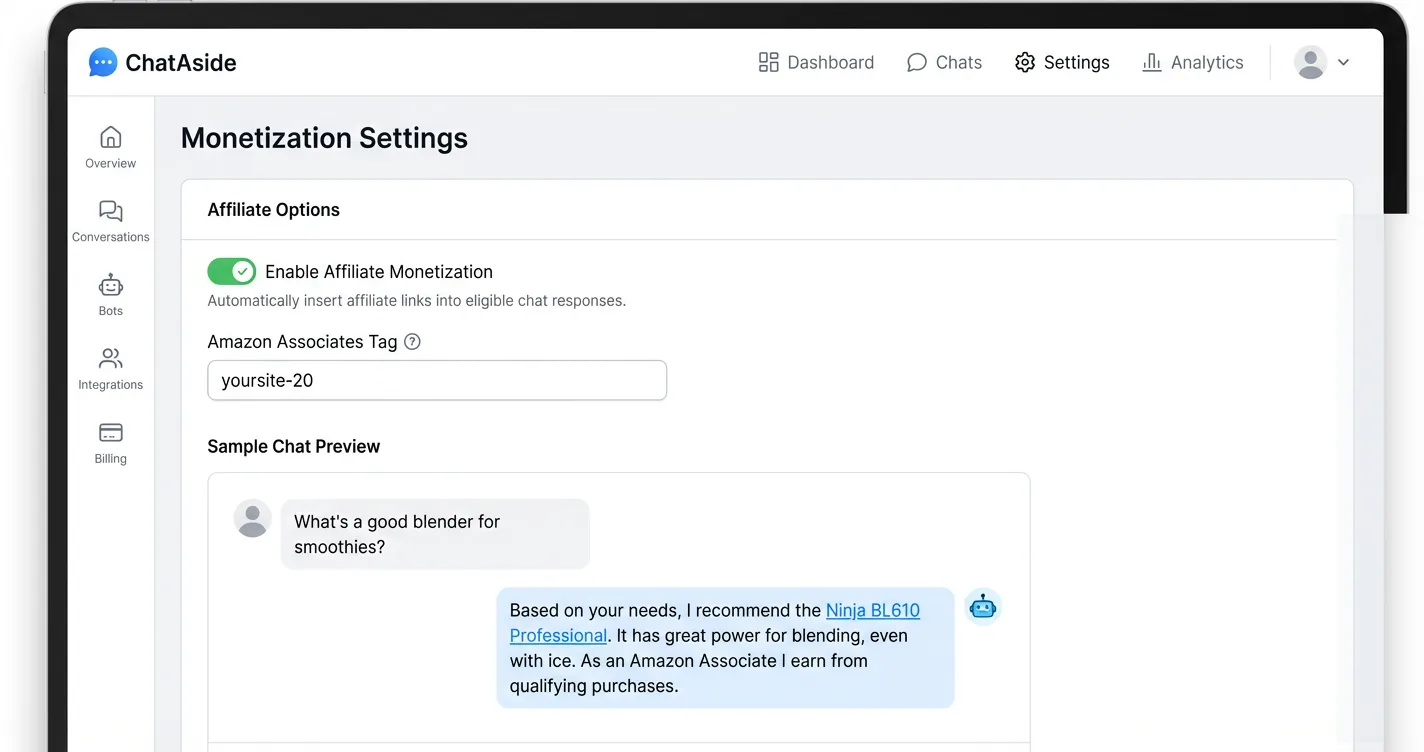
Bramble, from Brambles.ai, is the other widget here that can actually pay a blogger back. It runs as an affiliate shopping assistant that reads your page, recommends products, and inserts commission links across more than 15 affiliate networks. For content with buying intent, like reviews and gift guides, that turns ordinary chat into a revenue stream.
Install stays friendly enough for a small blog owner with no development experience. WordPress owners get a one-click plugin, and everyone else can drop in a framework-agnostic JavaScript module, which makes it a reasonably no-code embeddable AI chatbot on most platforms. The catalog claims are large, with over a billion products and real-time price comparison meant to surface the highest-paying link. Transparency is the real problem. Bramble does not publish its revenue split, lists no clear free tier, and has no third-party reviews yet, so you are trusting vendor numbers. It also only makes sense for shopping-related content, since a how-to or companion blog rarely triggers product intent at all.
Pros:
- Hands-free affiliate revenue across 15+ networks, with automatic commission tracking
- One-click WordPress plugin or a framework-agnostic embed for other platforms
- Rich commerce features like price comparison, add-to-cart, and virtual try-on
Cons:
- Revenue split stays undisclosed, so your true take-home is unclear before you start
- Built only for shopping intent, with little value on non-commerce blogs
- No free tier detailed and no third-party reviews to verify the big claims
Chatling
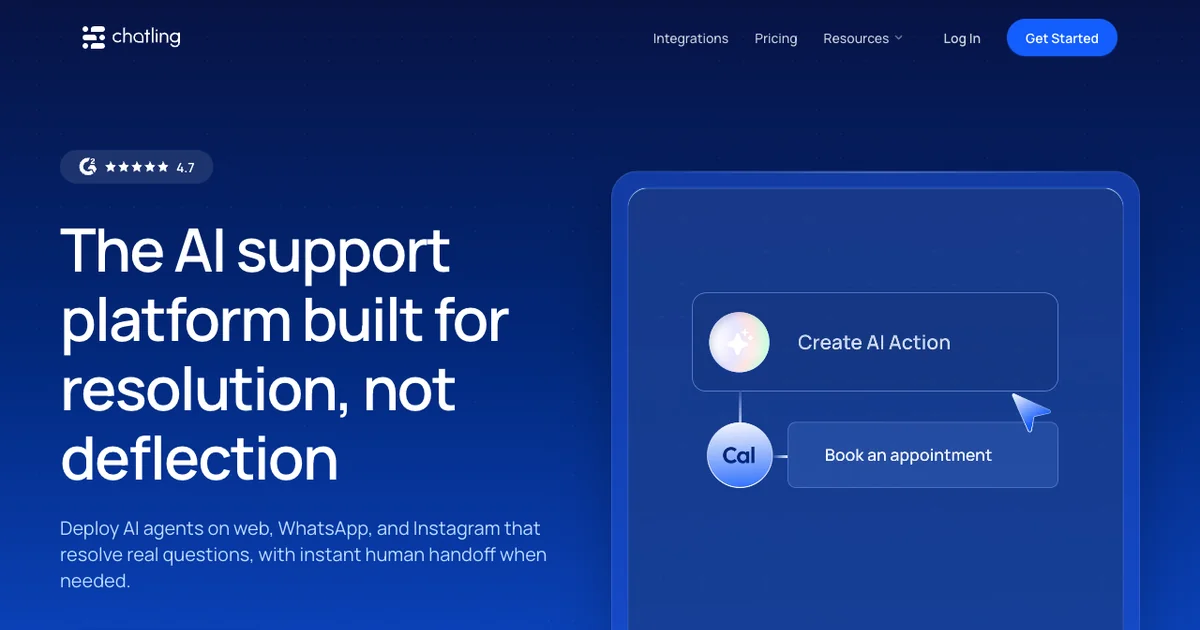
Chatling is a no-code AI chatbot for blogs and small businesses that hosts the models for you. The permanent free tier gives you 100 AI credits a month, two bots, and a 500,000-character knowledge base without a credit card. You pick from around 28 hosted models across the GPT, Claude, and Gemini families, so there is no API key to manage anywhere.
Content training pulls from site crawls, sitemaps, file uploads, and FAQs, and higher tiers auto-sync daily to keep answers fresh. Reviewers like how fast the visual builder stands a bot up, and the tool holds about a 4.7 on G2 across roughly 60 reviews. Two things make it a looser fit for a small blog, though. Chatling is built for support and lead generation, so you build and train an agent before it earns its keep, and its credits make cost hard to predict. A single reply on a premium model can spend many credits at once, and paid plans run near $40 and $140 a month. It is a capable tool you pay for, not one that pays you.
Pros:
- Genuine permanent free tier with no credit card, plus hosted models and no BYOK
- Fast visual builder and content training through crawls, sitemaps, and uploads
- Strong 4.7 G2 rating and a one-paste embed for any major platform
Cons:
- Usage-based credits make monthly cost unpredictable as reader volume climbs
- Built for support and sales, so it needs upfront agent setup, not a pure drop-in
- No monetization, so the widget stays a cost rather than a revenue source
Tidio
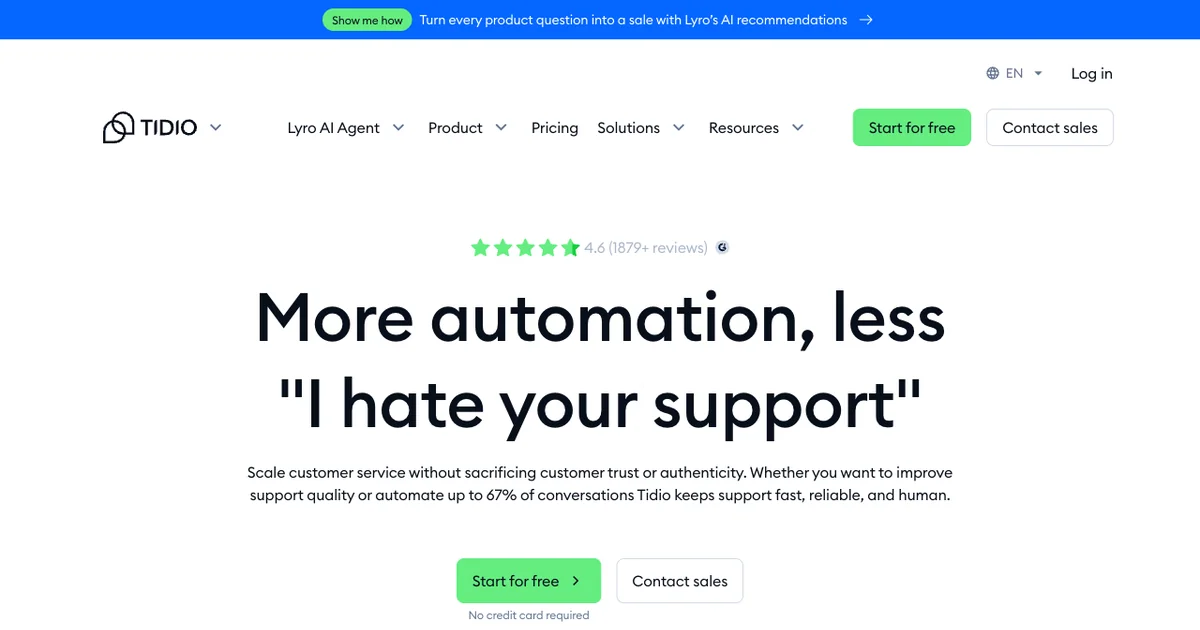
Tidio is a mature AI chat widget for small blogs that already double as storefronts or support desks. Founded in 2013, it pairs live chat, ticketing, and a hosted AI agent called Lyro, and it installs through one snippet or native plugins for WordPress, Shopify, and Wix. The track record is strong, with a 4.6 on G2 across more than 1,880 reviews.
Lyro trains on your pages and FAQ content, answers only from what it is given, then hands off to a person when it gets stuck. The free plan lets you try it, but the AI side stays stingy. You get 50 Lyro conversations for the lifetime of the free plan, after which the agent costs around 50 cents per conversation on top of the subscription. Tidio is really built for ecommerce and support, so a blogger uses a sliver of an overbuilt tool, and the bill climbs with traffic toward Growth near $49 and Plus near $749 a month. There is no monetization anywhere, so for a publisher it stays a cost.
Pros:
- Works on any site through one snippet or native plugins, with no API keys to manage
- Mature and well-rated, with a 4.6 G2 score and a long support track record
- Trains on your own pages and offers a genuine free plan to try first
Cons:
- Lyro AI free allotment is only 50 lifetime conversations before metered fees begin
- Built for support and ecommerce, so it is overbuilt for a content blog
- No monetization, with costs that scale quickly as conversation volume grows
WPBot
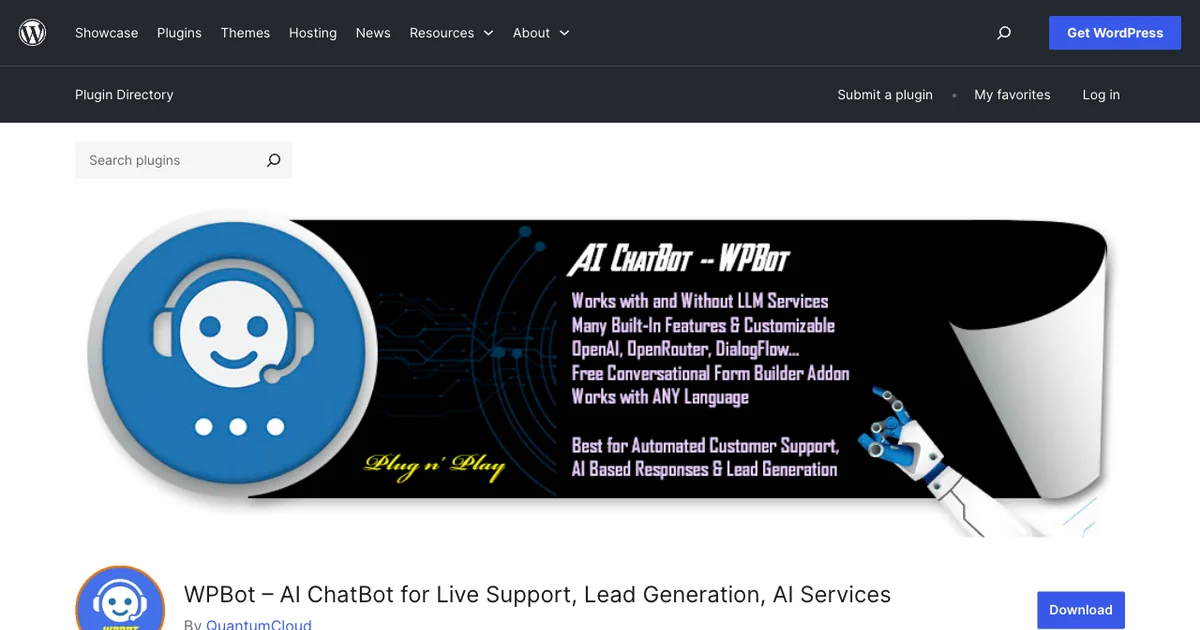
WPBot, officially ChatBot for WordPress by QuantumCloud, is a popular free chatbot for bloggers who run on WordPress. It installs and configures entirely inside the WordPress dashboard, with over 6,000 active installs and a 4.7-star rating there. A rule-based, button-menu mode runs with no AI and no per-message cost, which helps if you only want simple guided replies.
Turning on real AI answers is where the work starts. WPBot uses a bring-your-own-key model, so you create and fund your own OpenAI, Gemini, or OpenRouter account and pay that provider for every reply. Training the bot on your own posts through its vector knowledge base sits behind a Pro license, which starts at $39 a year or $149 once. WPBot is feature-dense, covering forms, WooCommerce, and multi-channel messaging, but it runs only on WordPress and earns the blogger nothing. For a small blog, it is a capable support widget that you pay for in license and model fees.
Pros:
- Native WordPress install with a free, no-cost rule-based mode out of the box
- Established and well-rated, with 6,000+ installs and a 4.7 star average
- Affordable Pro licensing, including one-time lifetime options for multiple sites
Cons:
- WordPress only, so it is a non-starter on Shopify, Squarespace, or static sites
- AI mode is bring-your-own-key, so you fund and manage your own model bill
- No monetization, and the best content-training features sit behind Pro
AI Puffer
AI Puffer, once known as AI Power, is an all-in-one AI plugin for WordPress with more than 10,000 active installs and a 4.6 rating. Chat is one module among many, sitting next to a content writer, AI forms, and an image generator. The core chatbot is free, and it can train on your posts, pages, and PDFs through a vector store so answers stay grounded in your own material.
The underlying cost model is strictly bring-your-own-key, with no hosted inference included. You connect your own OpenAI, Gemini, or DeepSeek account and pay the provider for every token the chatbot spends. A cheap Pro tier near $10 a month unlocks extras like external-site embedding and automation, but the model bill is always yours. AI Puffer packs in a lot, and reviewers warn that the dense settings carry a real learning curve for non-technical owners. It runs only on WordPress and offers no way to earn from chat, so for most small bloggers it is a flexible toolkit rather than a simple, monetizing widget.
Pros:
- Genuinely free core chatbot, plus content writing and forms in one plugin
- Trains on your own posts, pages, and files through a vector store
- Cheap Pro tier and broad model choice across several providers
Cons:
- WordPress only, with mandatory bring-your-own-key model billing
- Dense, multi-tool settings carry a steep learning curve for casual bloggers
- No publisher monetization, so it stays a cost center rather than a revenue source
WPBot, AI Puffer, and Kognetiks are all free to install, but every one of them runs AI through your own key. That means a live OpenAI, Gemini, or DeepSeek account where you pay per token for every reply, and one popular post can quietly run that bill up. The plugin license is the cheap part. The model bill is the part that scales with your traffic, which is exactly why a hosted widget that absorbs inference cost changes the math for a small blog.
Kognetiks Chatbot
Kognetiks Chatbot is a free, open-source AI chat widget for self-hosted WordPress sites. It carries a 4.5 rating across a smaller base of 600-plus installs and ships under GPLv3, so the plugin itself never costs anything. What sets it apart is engine choice, with support for OpenAI, Anthropic, Gemini, Mistral, DeepSeek, and even a local model through JAN.AI.
That flexibility comes with the most hands-on setup of any widget here. It is bring-your-own-key, so you supply an API key and pay your provider for both chat and the content-indexing step, unless you run the local option to avoid fees entirely. Its Knowledge Navigator maps your posts and pages so replies stay grounded, and a shortcode drops the chat in as a bubble or inline block. Kognetiks rewards technical WordPress owners and agencies who want full control over models and data routing. For a non-technical small blog, the depth and key management are more than most people want, and it does not monetize conversations.
Pros:
- Free and open source, with no plugin fee and no per-message vendor charge
- Wide engine choice, including a local model option that avoids API costs
- Trains on your content and offers deep control over models and data routing
Cons:
- WordPress only and the most configuration-heavy option in this roundup
- Bring-your-own-key, so you manage an API key and the provider bill yourself
- No monetization and a smaller community than mainstream plugins
How to Choose
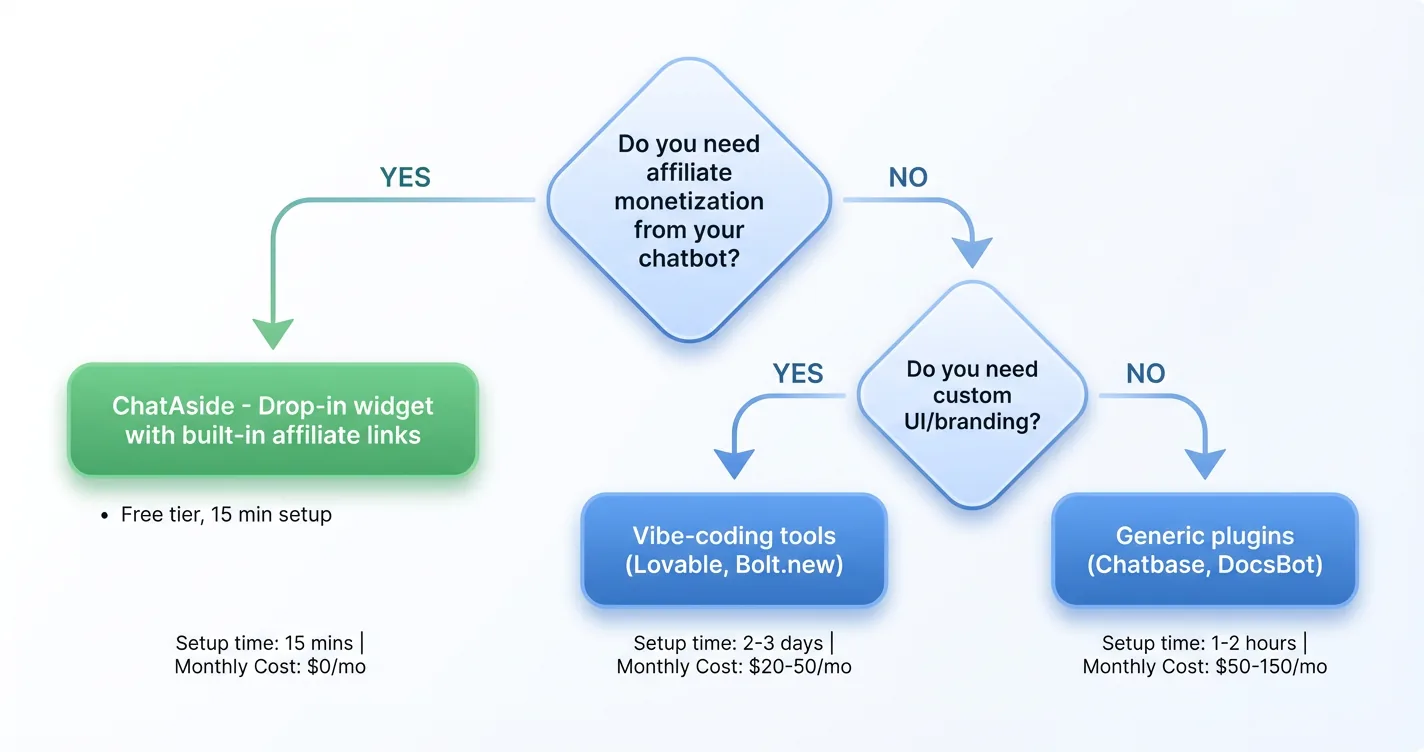
Most small bloggers really do not need to overthink the choice here. If you want chat that is free, installs in one line, and can even pay you back, ChatAds is the default pick on any platform. The other widgets each fit a narrower set of cases.
A few simple questions help narrow down the remaining options quickly:
- On WordPress and comfortable managing a model key? The plugins (Kognetiks, AI Puffer, WPBot) give you model choice at the cost of key setup and a per-token bill.
- Want a polished support or sales bot and willing to pay? Chatling and Tidio are capable, just not built to earn for you.
- Publishing shopping-heavy content? Bramble can monetize chat, though its revenue split stays undisclosed.
Match the tool to your comfort with code and your appetite for a monthly bill, and the right widget usually picks itself. If earning from the chat is the whole point, our guide to getting a chatbot with affiliate monetization and the walkthrough on adding a chatbot to your affiliate blog cover the next steps once you have picked one.
Do not decide from a comparison table alone, including this one. Install your top one or two picks on a single real article, leave them live for a couple of weeks, and watch how often readers actually open the chat and what they ask. The engagement on your own pages answers the question faster than any feature list, and it tells you whether turning on monetization is even worth it for your audience.
Frequently Asked Questions
What is the best free AI chat widget for a small blog?
For most small blogs, ChatAds is the best free AI chat widget because it installs with one line of JavaScript, hosts the model so there are no API keys or per-token bills, and answers from the post the reader is on with no training setup. It is also the only free, no-code option here that pays you back, through opt-in Amazon affiliate links you keep in full. WordPress owners who want everything in their dashboard can instead use a free plugin like Kognetiks, though those require your own paid model account.
Can you add an AI chatbot to a blog for free?
Yes. ChatAds is fully free, including the hosted language model behind every reply, with 100 messages a day on the free tier and no credit card to start. Several WordPress plugins like Kognetiks and AI Puffer are also free to install, but their AI mode is bring-your-own-key, so you still fund an OpenAI or Gemini account for every conversation.
How do you add a no-code AI chat widget to a blog?
Most no-code AI chat widgets install by pasting a single line of JavaScript into your site template or a header-and-footer plugin, which takes a few minutes and no coding. Hosted tools like ChatAds, Chatling, and Tidio all work this way; ChatAds answers from the page the reader is on with no training step, while Chatling and Tidio train themselves on your content. WordPress-only plugins are even simpler to add but limit you to that one platform.
Which free AI chat widgets work on a non-WordPress blog?
Hosted widgets work on any platform, so ChatAds, Chatling, Tidio, and Bramble all run on Squarespace, Ghost, Wix, or plain HTML through a single embed. The plugins in this roundup (WPBot, AI Puffer, and Kognetiks) are WordPress-only and cannot be installed elsewhere. If your blog runs on anything but WordPress, ChatAds is the simplest free, no-code pick.
Can a free AI chat widget make money for a small blog?
Most chat widgets only cost money, but a few earn it back through affiliate links. ChatAds has built-in monetization where you connect an Amazon Associates account, flip a toggle, and product mentions inside chat replies become commission links you keep in full. Bramble can also monetize commerce-heavy chat, though it does not disclose its revenue split, and every other widget here is a pure cost center.
Do free AI chat widgets charge for the language model?
It depends on the widget. Hosted tools like ChatAds, Chatling, and Tidio absorb the model cost, so there is no separate per-token bill, though Chatling and Tidio meter usage on paid tiers. The WordPress plugins here are bring-your-own-key, meaning you fund your own OpenAI, Gemini, or DeepSeek account and pay that provider for every reply on top of any license fee.