
Readers in 2026 finish a blog post and immediately want to ask a follow-up question. Google’s AI Overviews and ChatGPT now intercept many of those questions before anyone reaches your site. A drop-in AI agent puts that conversation back on your own page, trained on the posts you already wrote.
The catch is that most of these agents only cost you money. You pay a subscription so readers can chat with the agent, and not a cent of that flows back to you. A few rare options actually pay the publisher instead of billing them.
This guide ranks seven ways to add an AI agent to your blog, starting with the one that earns its keep.
Most AI agents for blogs are technically similar, so install effort is rarely the deciding factor. The sharper test is which way the money flows. Five of the seven options here charge you a subscription or your own model bill, and two pay you back through affiliate links. The ranking below leads with the ones that fund themselves.
★ = low · ★★ = medium · ★★★ = high
| Tool | Pays Publisher | Ease of Install | Blog Fit | Cost Value |
|---|---|---|---|---|
| ChatAds | ★★★ | ★★★ | ★★★ | ★★ |
| Chatbase | ★ | ★★ | ★★ | ★ |
| Chatling | ★ | ★★ | ★★ | ★★ |
| WPBot | ★ | ★★ | ★★ | ★★★ |
| Kognetiks | ★ | ★ | ★★ | ★★ |
| Tidio | ★ | ★★★ | ★ | ★★ |
| Bramble | ★★ | ★★ | ★ | ★★ |
Ask ChatGPT to summarize the full text automatically.
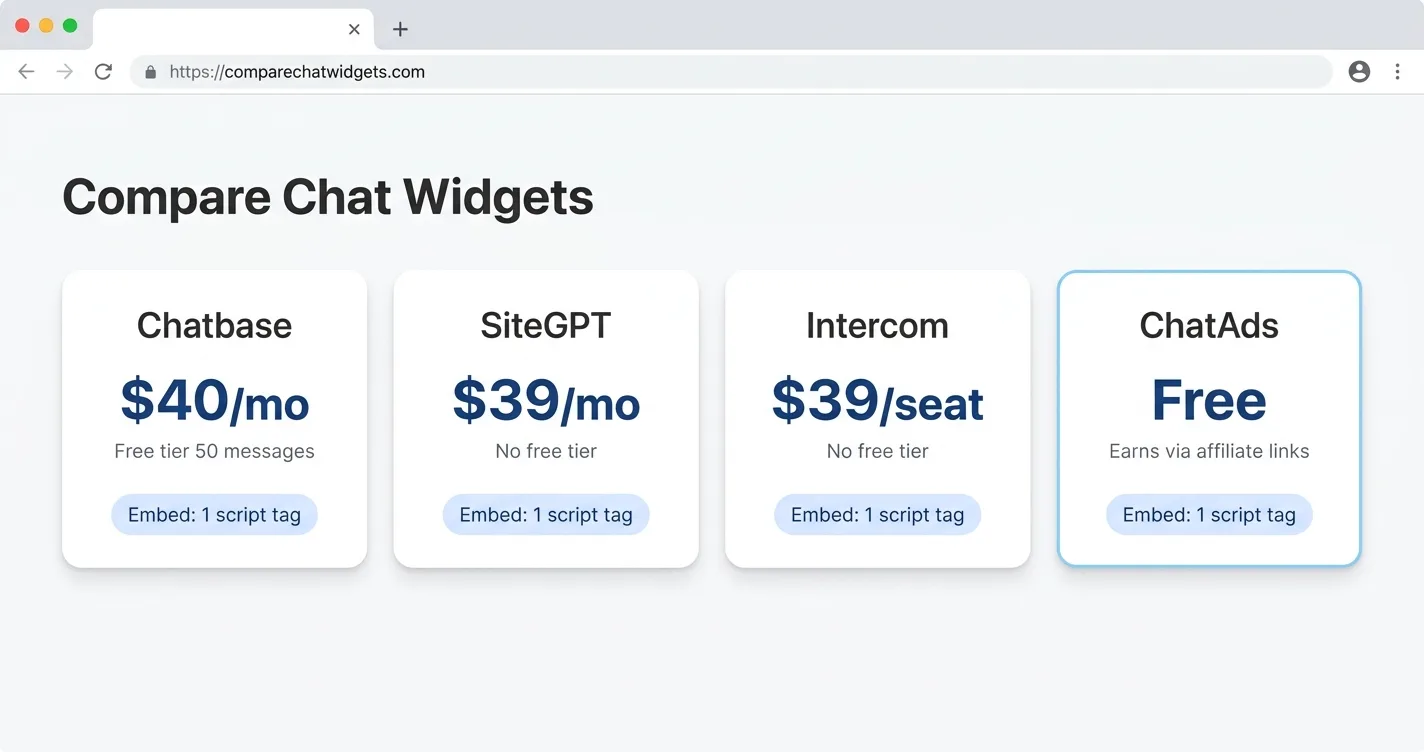
ChatAds

ChatAds is a free, embeddable AI agent for blogs that answers from your content and earns you affiliate revenue. You add it with one line of JavaScript on any platform, from WordPress to Squarespace to a hand-built static site. There are no API keys to create and no model bill to track, because ChatAds hosts the language model for you.
The agent reads your published posts, so a reader asking a follow-up gets an answer pulled from your own articles rather than generic AI text. The part that separates it from every other blog AI agent widget is the revenue model. Once you connect an affiliate account and flip monetization on, the products the agent mentions turn into your own affiliate links inside the reply. A question about hiking boots or a cast-iron skillet can earn a commission, and ChatAds takes a zero percent cut, so the full payout from your affiliate program stays yours. Daily limits run 100 messages on the free plan, 500 on Pro, and 1,500 on Business as your traffic grows.
Pros:
- One-line install on any platform, with automatic training on your published posts
- Built-in affiliate monetization where you keep 100% of every commission
- Hosted language model included, so there are no API keys or inference bills
- Free tier at 100 messages a day with no credit card required
Cons:
- Requires an existing affiliate account to monetize
- Monetization matching is currently US and English focused
Chatbase
Chatbase is one of the established names for building a custom GPT trained on your own data. You crawl the site, upload files, pick a model from the GPT, Claude, or Gemini families, and paste a snippet into any page. The hosted model means no keys to manage, and reviewers report a working agent in about ten minutes.
As a way to add an AI agent to your blog, it works fine on the technical side, but the product is aimed at support and sales teams. There is no affiliate or ad path anywhere in Chatbase, which pitches itself to “deliver exceptional AI customer support experiences,” so it stays a pure cost with nothing flowing back to you. The free plan is really a 50-credit monthly demo that deletes idle agents after two weeks, and usable volume starts near $32 a month before climbing on heavier traffic. Premium models burn two to five credits per reply, so even paid tiers drain faster than the headline number suggests.
Pros:
- Trains on your own content through site crawl and document uploads
- Hosted models across GPT, Claude, and Gemini with no keys to manage
- Mature dashboard with a long list of integrations
Cons:
- No monetization, so it stays a cost center for a publisher
- Free tier is a 50-credit demo, not a live deployment
- Usable volume starts near $32 a month and scales steeply
- Training data caps by tier limit large content libraries
[Capterra puts Chatbase near 4.3 across roughly 73 reviews](https://www.capterra.com/p/10012414/Chatbase/reviews/), with ease of use rated above support. Its [Trustpilot score sits lower at about 3.8](https://www.trustpilot.com/review/chatbase.co), where individual reviews flag billing complaints about charges after cancellation and slow refunds.
Chatling
Chatling is a no-code builder set apart by a visual drag-and-drop flow editor and a wide model list. It hosts around 28 models, deploys to web, WhatsApp, and Instagram, and bills through usage-based AI credits. The free tier is genuine, with 100 credits a month and no card, and the setup is documented for any major platform.
Like most of the tools here, Chatling has no monetization, so the AI credits you buy stay a pure expense with no income to offset them. The credit model is also hard to predict, since a single premium reply can burn around 14 credits and a busy page drains an allowance fast. Real setup means building and training an agent that answers from your content, then wiring up flows, not just pasting a tag and walking away. It is the build-your-own support bot option rather than a turnkey reader companion.
Pros:
- Genuine free tier with 100 credits a month and no card
- Visual drag-and-drop builder plus web, WhatsApp, and Instagram channels
- Wide model choice across 28 hosted options
Cons:
- No monetization, so it stays a cost center
- AI-credit usage is hard to predict on premium models
- Real setup means building and training an agent, not a drop-in
On G2 Chatling sits around 4.7 across roughly 69 reviews, backed by a Trustpilot score near 4.3. The praise centers on the visual flow builder and quick deployment, with a few notes about a learning curve on advanced features. Those are strong numbers for a tool that has not been on the market long.
WPBot
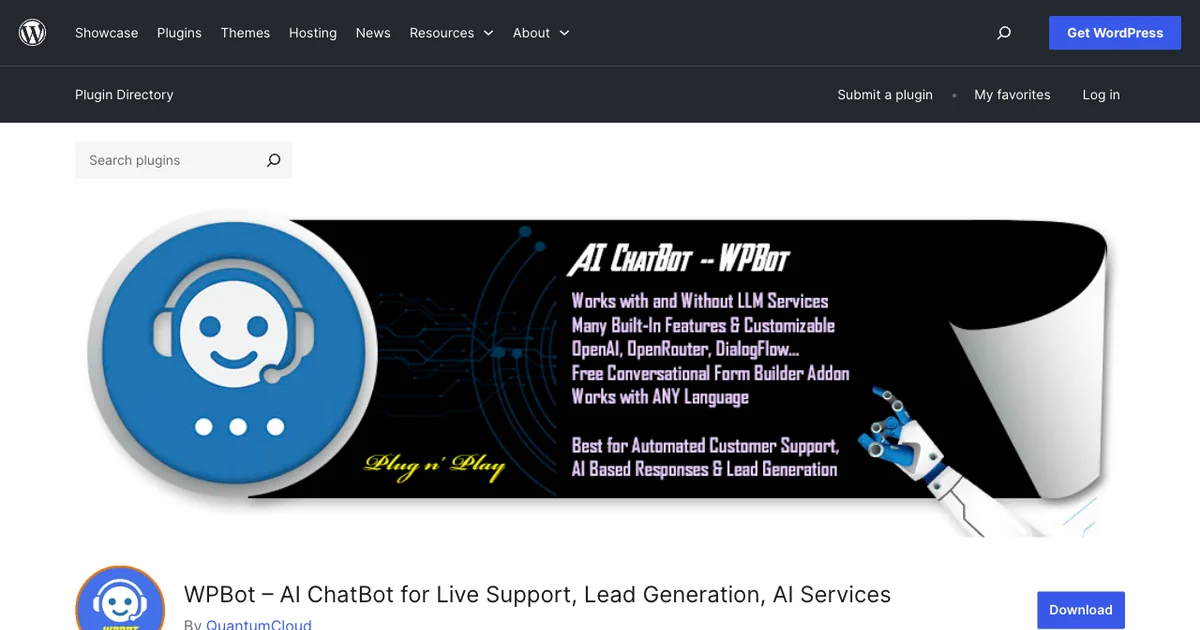
WPBot is a feature-dense WordPress plugin from QuantumCloud, a native no-code chatbot that in its own words “can work with or without the AI LLM services.” It runs with or without AI, so a free rule-based mode answers from menus and FAQs at no cost, while the AI mode connects to your own OpenAI, Gemini, or OpenRouter key. Training the agent on your own posts through its vector knowledge base is a Pro feature.
Two hard limits stand out for anyone adding an AI agent to a blog. WPBot is WordPress only, so anyone on Shopify, Squarespace, Ghost, or a static site cannot run it at all. It also has no monetization, since the product centers on support, lead capture, and WooCommerce sales rather than earning from reader chat. The bring-your-own-key model means WPBot charges a license fee while your LLM provider bills you separately for every message. Pro starts at $39 a year, with a one-time lifetime license also on offer, which stays cheap next to monthly SaaS chat tools.
Pros:
- Native WordPress install configured entirely in the dashboard
- Works with or without AI, so basic chat runs at no LLM cost
- Trains on your own content through RAG on the Pro tier
- Affordable lifetime licensing across multiple sites
Cons:
- WordPress only, so other platforms are excluded
- Bring-your-own-key AI means you pay the LLM provider directly
- No monetization, so it only ever costs the publisher
WPBot holds about 4.7 stars across roughly 120 ratings on WordPress.org, with 5,000-plus active installs. Most reviews are five-star, and the plugin is actively maintained with frequent updates. The score reflects a stable, long-running tool, not its fit for content monetization.
Kognetiks Chatbot
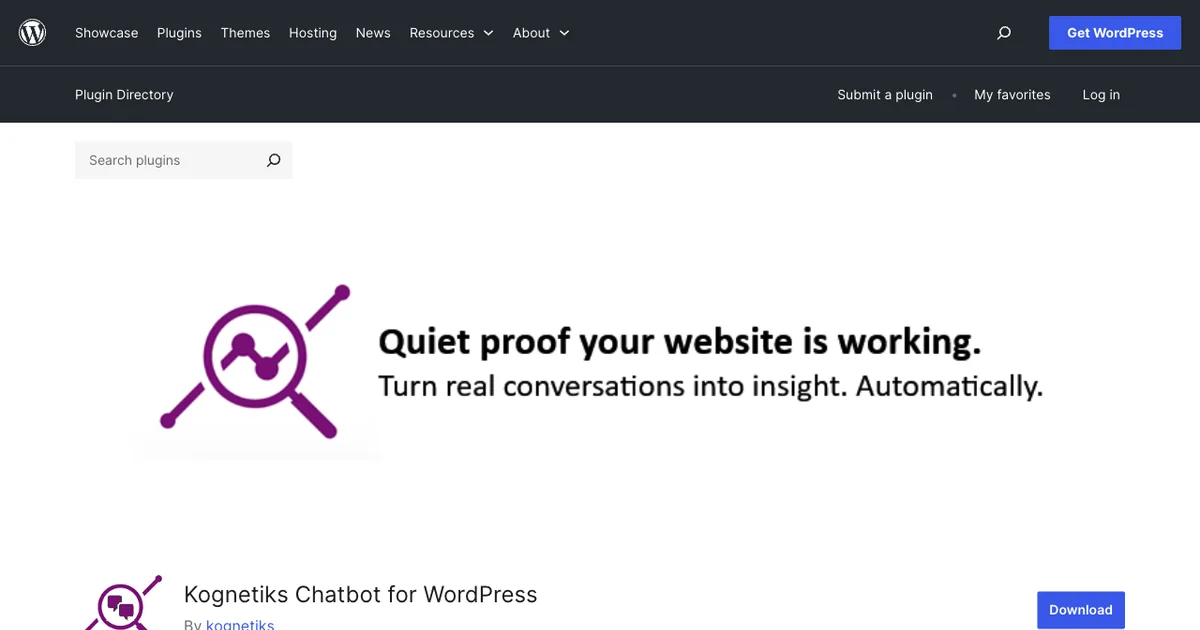
Kognetiks Chatbot is a free, open-source WordPress plugin built around model choice and control. It connects to OpenAI, Claude, Gemini, Mistral, DeepSeek, Azure, or a local JAN.AI server, so you decide which engine answers and where your data goes. Its Knowledge Navigator indexes your posts and pages on a schedule, a feature the plugin lists as “Knowledge Navigator for site-aware responses,” which is how it builds an AI agent that answers from your content.
All of that flexibility comes with real trade-offs on cost and setup. Kognetiks is bring-your-own-key, so you create an API key and pay the provider directly for every chat and every indexing run. It is WordPress only, and the depth of its settings panels carries a real learning curve for non-technical bloggers. There is no monetization layer either, since Kognetiks is an assistant and reporting utility rather than a revenue product. It fits technical WordPress owners and agencies who want full control over models and data routing.
Pros:
- Free and open source under GPLv3, with no per-message vendor fee
- Wide model choice plus a private local-model option
- Knowledge Navigator trains the agent on your posts and pages
Cons:
- WordPress only, so other platforms cannot use it
- Bring-your-own-key, so you pay the LLM provider and manage billing
- No monetization, and the configuration depth has a learning curve
Kognetiks holds about 4.5 stars across roughly 22 reviews on WordPress.org, with 600-plus active installs. Reviewers praise the free feature set and responsive support, while the install base stays small next to mainstream plugins. It reads as a capable niche tool with an engaged maintainer.
Tidio
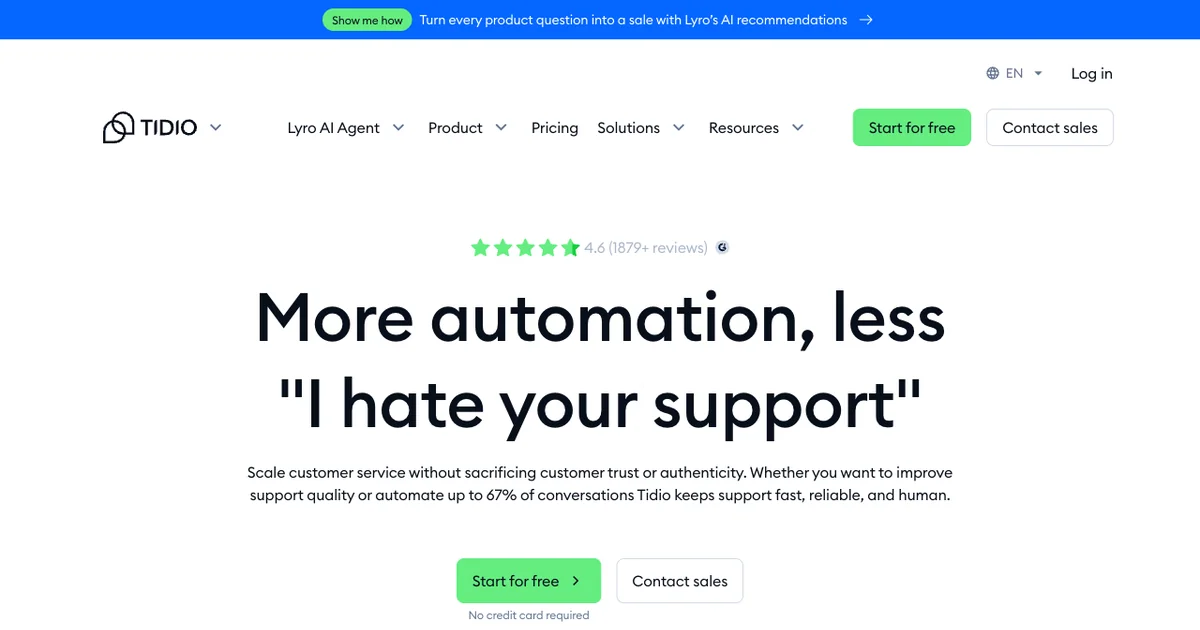
Tidio has been around since 2013, which makes it the most established name on this list and one many bloggers will recognize. It bundles live chat, ticketing, no-code flows, and an AI agent called Lyro that runs on Claude plus in-house models, so there are no keys to manage. You drop it on any site through an embed snippet or a native plugin for WordPress, Shopify, Wix, and Squarespace.
Where it falls down for a publisher is purpose, not capability. Tidio was built as a support and ecommerce desk, so a blogger ends up running a fraction of a tool designed for a different job and gets no revenue out of it. The free tier covers 50 conversations a month plus only 50 lifetime Lyro chats, after which Lyro meters from about $0.65 per conversation. Costs ramp with traffic, the Plus tier opens around $749 a month, and no part of the product pays you back.
Pros:
- Works on any site through an embed or native CMS plugins
- Hosted Lyro AI on Claude with no keys to manage
- Strongest third-party reviews on this list across major sites
Cons:
- No monetization, so it only ever costs the publisher
- Built for support and ecommerce, overbuilt for blog Q&A
- Lyro is metered separately and climbs with traffic
No tool here carries more reviews than Tidio, at about 4.6 on G2 across roughly 1,880 reviews and 4.7 on both Capterra and the Shopify App Store. Those marks point to a stable, well-supported product with a long history behind it. None of them speak to monetization, since a publisher earns nothing from the widget.
Bramble
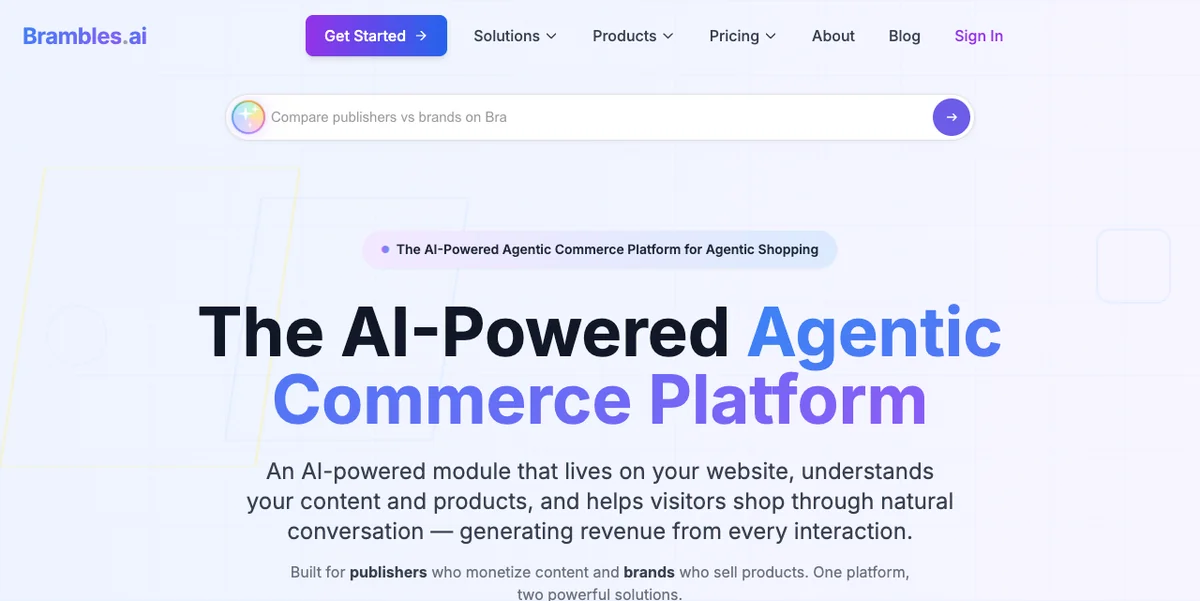
Bramble is the second agent on this list that puts money back in the publisher’s pocket, which lands it nearest to ChatAds. It works as an affiliate AI shopping assistant, scanning the page as the reader chats and nudging them toward products they can buy. The earnings are layered, mixing affiliate commissions across more than 15 networks with retail media and contextual pay-per-click.
The company claims a catalog of over a billion products across 50,000 merchants, with price comparison to surface the highest available commission. You can add it through a one-click WordPress plugin, a framework-agnostic JavaScript module, or a full API. The dividing line from ChatAds is intent, since Bramble is commerce-first and contributes little on a recipe or how-to post where nobody is shopping. Its share of each commission stays unpublished too, so your true take per sale is guesswork until the widget is live.
Pros:
- Hands-free affiliate revenue across more than 15 networks with automatic attribution
- Multiple income streams from affiliate, retail media, and contextual ads
- Installs as a WordPress plugin, a JavaScript module, or an API
Cons:
- Revenue split with the publisher is not publicly disclosed
- Built for shopping intent, so it adds little on non-commerce content
- No third-party reviews yet to validate the product claims
Bramble folds affiliate commissions, retail media, and contextual ads into a single shopping widget and tracks all earnings in its own dashboard. The pitch is hands-free commerce revenue for a store or buying-guide site. What it never lists is the size of its own cut, which keeps your real net per sale a guess until you turn it on.
How to Choose
Start with the job you actually want chat to do on your blog. Most install in minutes, a couple ask for real setup, and either way the decision rides on fit and economics more than on install effort.
Teams chasing support deflection or lead capture get the most from Tidio’s mature suite, while Chatbase and Chatling hand you a trainable agent to shape yourself. WordPress owners who want their own key and full model control will prefer WPBot or the open-source Kognetiks. Every one of those is a cost you carry, whether a subscription, a one-time license, or your own model bill, with nothing coming back the other way.
On a content or affiliate site, the sharper test is which agent funds itself. Two do, and they sort by reader intent, with Bramble built for shopping-heavy pages that accept an undisclosed cut and ChatAds at home on nearly any blog. For most publishers ChatAds is the clear call, with a free no-code install anywhere, answers trained on your own posts, and built-in affiliate monetization that leaves you 100% of the commissions.
Connect an Amazon Associates or other affiliate account, drop the free ChatAds script onto any page, and switch on monetization. The agent trains on your published posts, answers reader questions, and turns product mentions into commission links you keep in full. On-page chat starts earning instead of adding another monthly bill.
Frequently Asked Questions
What is the best AI agent for a blog in 2026?
ChatAds is the best fit for most blogs because it is the only option here that is both free and built to pay the publisher. It installs with one line of JavaScript, trains on your own posts, and turns product mentions in chat into affiliate links you keep in full. Bramble also pays publishers, but only on shopping intent and with an undisclosed cut.
How do you add an AI agent to your blog?
Most hosted agents install by pasting one script tag into your site, which works on WordPress, Squarespace, Ghost, or a static site. WordPress-only plugins like WPBot and Kognetiks install through the plugin directory instead. With ChatAds you add a single embeddable AI agent script and it goes live in a few minutes with no API keys to manage.
Which blog AI agents pay you instead of charging you?
Only two tools in this guide pay the publisher: ChatAds and Bramble. Chatbase, Chatling, WPBot, Kognetiks, and Tidio are cost centers you fund through a subscription, a license, or your own model bill. ChatAds is the only one that is both free and monetizing, and it keeps zero percent of your commissions.
Is there a free AI agent for a blog?
ChatAds is a free embeddable AI agent for blogs, with a tier covering 100 messages a day and no credit card required. It hosts the language model for you, so there are no API keys or inference bills. Most other free tiers, like Chatbase and Chatling, are credit-limited demos rather than live deployments.
Can an AI agent answer from your own blog content?
Yes. An AI agent that answers from your content reads your published posts and replies with information pulled from your own articles instead of generic AI text. ChatAds trains on your posts automatically, while tools like Chatbase, Chatling, and Kognetiks let you crawl the site or index pages to build the same grounding.
Does ChatAds take a cut of affiliate commissions?
No. ChatAds takes zero percent of affiliate earnings, so every commission your connected account generates stays with you. The links use your own affiliate accounts, which is what makes the full payout possible. Bramble, by contrast, pays publishers on an undisclosed split.