
Adding ChatGPT to your blog in 2026 rarely means the OpenAI app itself. It means an embeddable AI chat widget that answers your readers in a ChatGPT style, grounded in your own posts. You paste one script, and a reader with a follow-up question asks it on your page instead of leaving for Google.
The tricky part is that most guides send you toward tools built for something else entirely. Support desks, WordPress developer kits, and shopping bots all bolt an AI chat box onto your site, yet each one was designed for a different job. Two questions sort the field fast: whether it is genuinely free and no-code, and whether the chat costs you money or earns it.
This guide ranks seven ways to add a ChatGPT-style assistant to your blog, and only one installs free, trains itself, and pays you back.
Nearly every tool here can drop a ChatGPT-style chat onto your blog and answer a reader's question, so setup rarely decides it. The sharper test is which way the money flows. Six of these seven either bill you a subscription or keep an undisclosed cut of what you earn, and one is both free to run and pays you the full affiliate commission.
Ask ChatGPT to summarize the full text automatically.
★ = low · ★★ = medium · ★★★ = high
| Tool | Pays Publisher | Ease of Install | Answers From Posts | Cost Value |
|---|---|---|---|---|
| ChatAds | ★★★ | ★★★ | ★★★ | ★★ |
| AI Engine | ★ | ★ | ★★★ | ★★ |
| Wonderchat | ★ | ★★★ | ★★★ | ★ |
| Bramble | ★★ | ★★ | ★ | ★★ |
| Tidio | ★ | ★★★ | ★★ | ★ |
| Crisp | ★ | ★★★ | ★★★ | ★ |
| tawk.to | ★ | ★★★ | ★★ | ★★ |
ChatAds

ChatAds is the free way to add a ChatGPT-style assistant to your blog and actually earn from it. You paste one line of JavaScript, and the widget goes live in a few minutes on WordPress, Shopify, Squarespace, or a plain static site. There are no API keys to create and no model bill to watch, because ChatAds hosts the language model for you. It reads the post the reader is currently on, with no training or setup step, so a reader asking a follow-up gets an answer drawn from your writing rather than generic AI text.
What separates it from every other ChatGPT chat widget for blogs is the revenue model. Once you connect an affiliate account and switch monetization on, the products the assistant names turn into your own affiliate links inside the reply, and ChatAds keeps zero percent. A question about a coffee grinder or a running shoe can earn a commission while the reader stays on your page.
It turns the AI Overview threat into on-page income instead of another monthly bill, and the free tier covers 100 messages a day with no card required.
Pros:
- One-line install on any site, with answers drawn from the post the reader is on
- Built-in affiliate monetization where you keep 100% of every commission
- Hosted language model included, so there are no API keys or inference bills
- Free tier at 100 messages a day with no credit card required
Cons:
- Requires an existing affiliate account to monetize
- Monetization matching is currently US and English focused
AI Engine (Meow Apps)
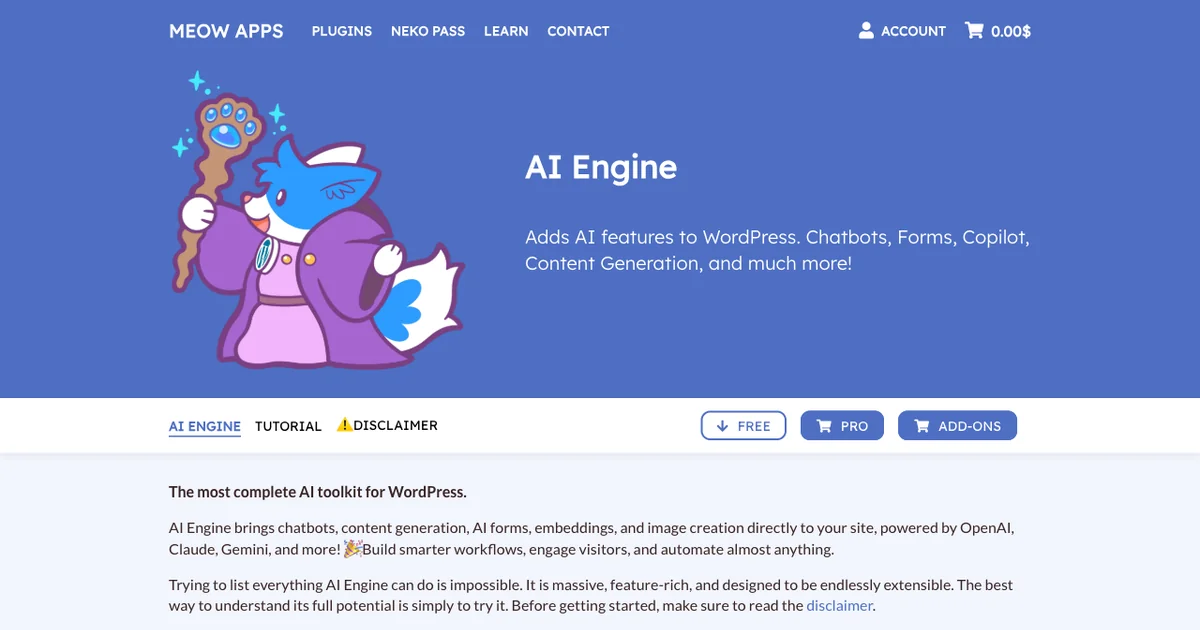
AI Engine is the literal way to add ChatGPT to a WordPress blog, built by Meow Apps for owners who like to tinker. It is one of the most installed AI plugins on WordPress.org, where the plugin listing reports more than 100,000 active installations and a 4.9-star rating and describes it as connecting “WordPress with AI models” with “stable connectors for every major AI provider: OpenAI, Anthropic, Google, Mistral, and more.” Everything lives inside wp-admin, so you configure a chatbot, drop it on a page with a block or shortcode, and pick from OpenAI, Claude, Gemini, or a self-hosted model. With Pro embeddings it trains on your posts and PDFs, which makes it a real AI chat widget for blog content rather than a generic bot.
The catch sits in the billing and the setup work. AI Engine is bring-your-own-key, so you fund your own OpenAI or Claude account and pay the provider for every conversation, on top of a Pro license that starts at $59 a year. Reviewers describe rebuilding default templates and spending considerable time experimenting before answers feel right, so it is not a five-minute install. It also runs on WordPress alone, and nothing in AI Engine pays you back, which keeps it firmly a cost center.
Pros:
- Free, full-featured core with working chatbots inside WordPress
- Broad provider choice across OpenAI, Claude, Gemini, and self-hosted models
- Content-trained answers through Pro embeddings on your posts and PDFs
Cons:
- WordPress only, so it will not run on Shopify, Squarespace, or static sites
- Bring-your-own-key billing means you fund every conversation yourself
- No monetization, so the chatbot only ever costs you
AI Engine holds a 4.9 on WordPress.org across more than 800 ratings, with more than 100,000 active installations behind it. That places it among the most trusted AI plugins in the directory, backed by frequent updates and an active Discord. Those marks reflect the plugin itself, not any earnings, since the tool never pays the publisher.
Wonderchat
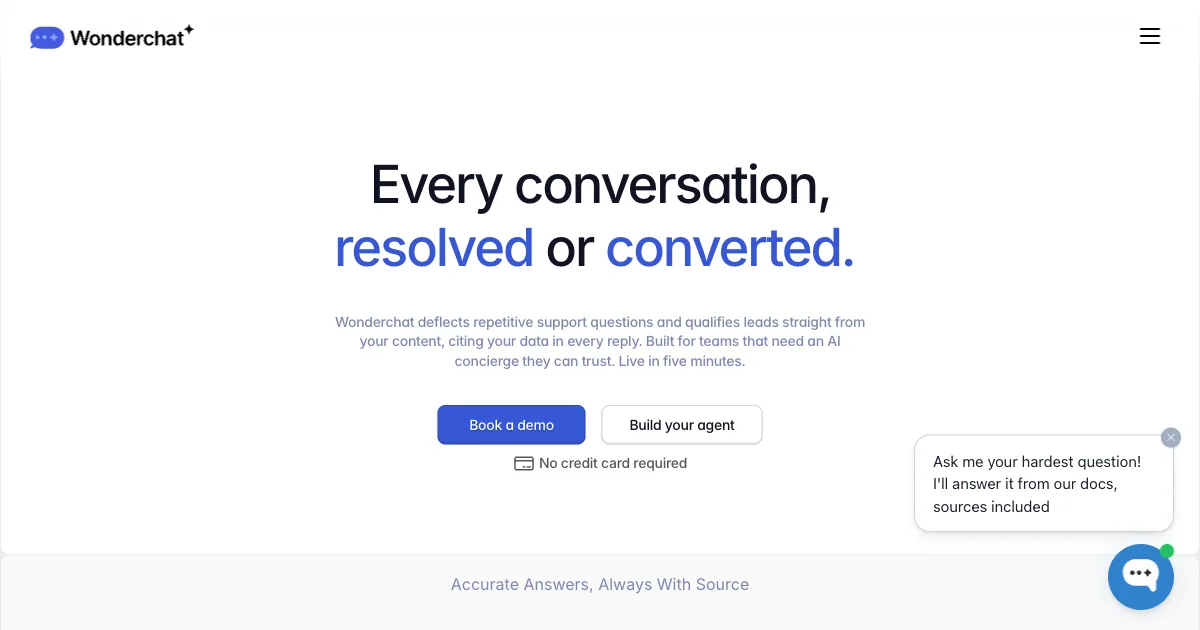
Wonderchat sells itself on speed, promising a custom ChatGPT built from your knowledge base in about five minutes. You point it at your site URL, it crawls and trains, and you paste a single embed script anywhere you can drop a tag. The language model is hosted with a choice of GPT, Claude, or Gemini, so you never touch an API key. As a ChatGPT blog assistant, the setup is fast, and the widget itself looks clean and polished.
The problem for a blogger is money flowing the wrong way, plus a free tier that is really a demo. Wonderchat’s free plan runs about ten to twenty messages total, not per day, so any live blog needs a paid plan. Usable volume starts near $29 to $124 a month with hard message and resolution caps that climb with traffic. The product has also shifted toward customer-support agents with helpdesk and voice features, so Wonderchat treats bloggers as a secondary audience and never earns them a cent.
Pros:
- Very fast, no-code setup trained on your site through a URL crawl
- Hosted model with a choice of GPT, Claude, or Gemini and no keys to manage
Cons:
- Free tier is a demo of a few messages, not a live deployment
- Usable volume starts around $29 to $124 a month with hard caps
- Repositioned toward customer support, with bloggers a secondary use case
- No monetization, so it stays a monthly cost
Third-party review coverage for Wonderchat is thin, with only a handful of G2 reviews and no established Capterra rating. Most of its early feedback lives on Product Hunt, where reviewers praise the clean UI and fast setup. A publisher should judge it on a trial rather than lean on review-site consensus here.
Bramble
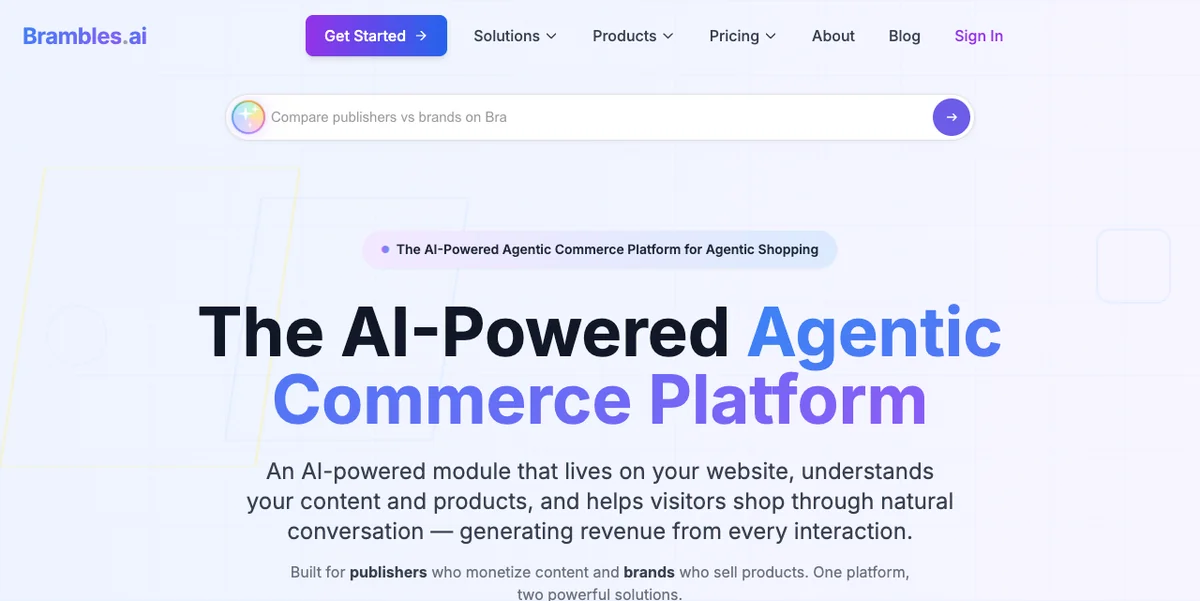
Bramble is the other tool here that puts money back in your pocket, which lands it closest to ChatAds. It works as an affiliate AI shopping chatbot that reads the page as a reader chats and steers them toward products they can buy. The earnings stack mixes affiliate commissions across more than 15 networks with retail media and contextual pay-per-click. It ships as a one-click WordPress plugin or a framework-agnostic script, and the company claims a catalog above one billion products.
Two things separate it from a general-purpose ChatGPT chat widget. Bramble is commerce-first, so it shines when a reader arrives ready to buy and adds little on a how-to or explainer where nobody is shopping yet. Its share of each commission stays unpublished, so your real take per sale is guesswork until Bramble goes live, and there are no third-party reviews yet to check the claims against. Against ChatAds keeping the full commission, that undisclosed split is the sharpest line between the two.
Pros:
- Hands-free affiliate revenue across more than 15 networks with automatic attribution
- Multiple income streams from affiliate commissions, retail media, and contextual ads
- Installs as a one-click WordPress plugin, a JavaScript module, or a full API
Cons:
- Revenue split with the publisher is not publicly disclosed
- Commerce-first, so it adds little on non-shopping content
- No third-party reviews yet to validate the product claims
Bramble folds affiliate commissions, retail media, and contextual ads into one shopping widget and tracks the earnings in its own dashboard. The pitch is hands-free revenue for a buying-guide or review site. What it never lists is the size of its own cut, which keeps your net per sale a guess until you switch it on.
Tidio
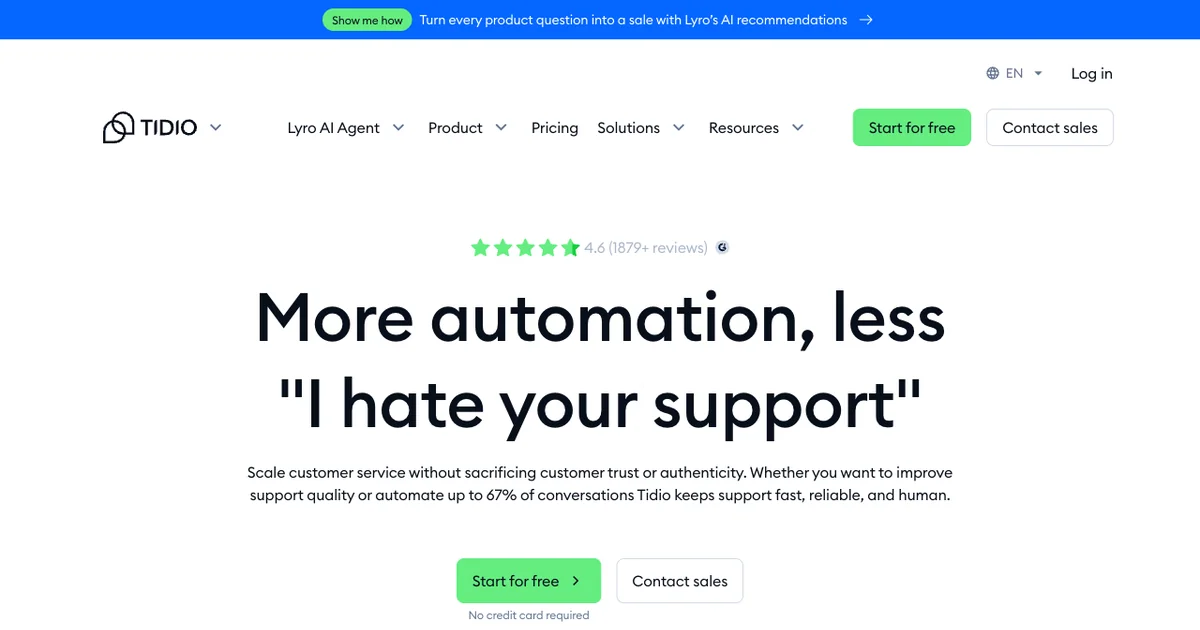
Tidio brings the most review history to this list, with roots going back to 2013 and marks most tools here cannot match. It bundles live chat, ticketing, no-code flows, and an AI agent called Lyro that runs on Claude plus in-house models. You install it with one snippet or a native plugin, and Lyro trains on your pages and FAQ content without any API keys. For a blogger adding an AI chat widget for blog readers, the technical experience is smooth and well supported.
Where it slips is purpose, since Tidio was built as a support and ecommerce desk rather than a reader assistant. The free plan covers 50 conversations a month plus only 50 lifetime Lyro chats, after which the AI meters from about $0.65 per conversation. Costs climb with traffic, the Plus tier opens around $749 a month, and no part of Tidio pays you back. A blogger fielding article questions runs a fraction of a platform built for a different job, and earns nothing from it.
Pros:
- Installs on any site through a snippet, with native plugins for WordPress and Shopify
- Hosted Lyro AI on Claude with no keys to manage
- Strongest third-party reviews on this list across the major software sites
Cons:
- No monetization, so it only ever costs the publisher
- Built for support and ecommerce, and overbuilt for reader Q&A
- Lyro is metered separately and climbs quickly with traffic
No tool here carries more reviews than Tidio, at about 4.6 on G2 across roughly 1,880 reviews and 4.7 on both Capterra and the Shopify App Store. Those marks point to a stable, well-supported product with a long history behind it. None of them speak to earnings, since a blogger makes nothing from the widget itself.
Crisp
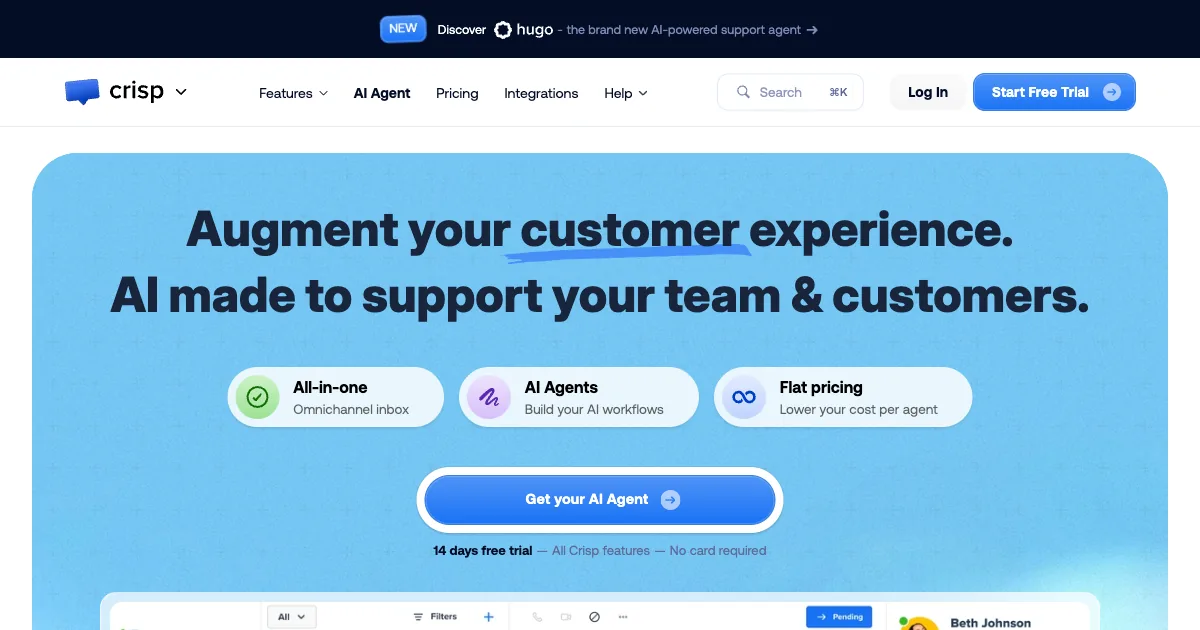
Crisp is a polished European messaging suite that has been running since about 2015 out of Nantes. It unifies live chat, a shared inbox, a knowledge base, and an AI agent called MagicReply that auto-crawls your site. You install it with one snippet or its widely used WordPress plugin, which counts more than 20,000 active installations and bills itself as “a free and beautiful chat for your website.” Pricing is per workspace with unlimited conversations, so a traffic spike will not blow up the bill the way metered tools can.
The catch for a blogger shows up right where the AI actually starts. Crisp’s free tier has no AI or chatbot at all, so a working ChatGPT-style blog assistant means the Essentials plan near €95 a month, with unlimited AI gated to the roughly €295 Plus tier. The whole product is a shared-inbox support suite, so most of the seat and channel value sits idle on a solo content site. Nothing in Crisp monetizes for the publisher, which keeps it a cost priced for teams.
Pros:
- Unlimited conversations on every plan, so pricing stays predictable under traffic
- Hosted MagicReply AI that auto-crawls your site with no keys to manage
- Mature product with a widely installed WordPress plugin and strong ratings
Cons:
- Free tier has no AI or chatbot, so real AI starts near €95 a month
- Built as a support and shared-inbox suite, overbuilt for a solo blog
- No monetization, so it stays a cost center
Crisp sits at roughly 4.5 on G2 across about 180 reviews and 4.6 on Capterra across around 145 reviews. Reviewers like the shared inbox and the predictable per-seat pricing that avoids per-conversation billing. The ratings cover its support suite, not any revenue, because Crisp never pays the site owner.
tawk.to
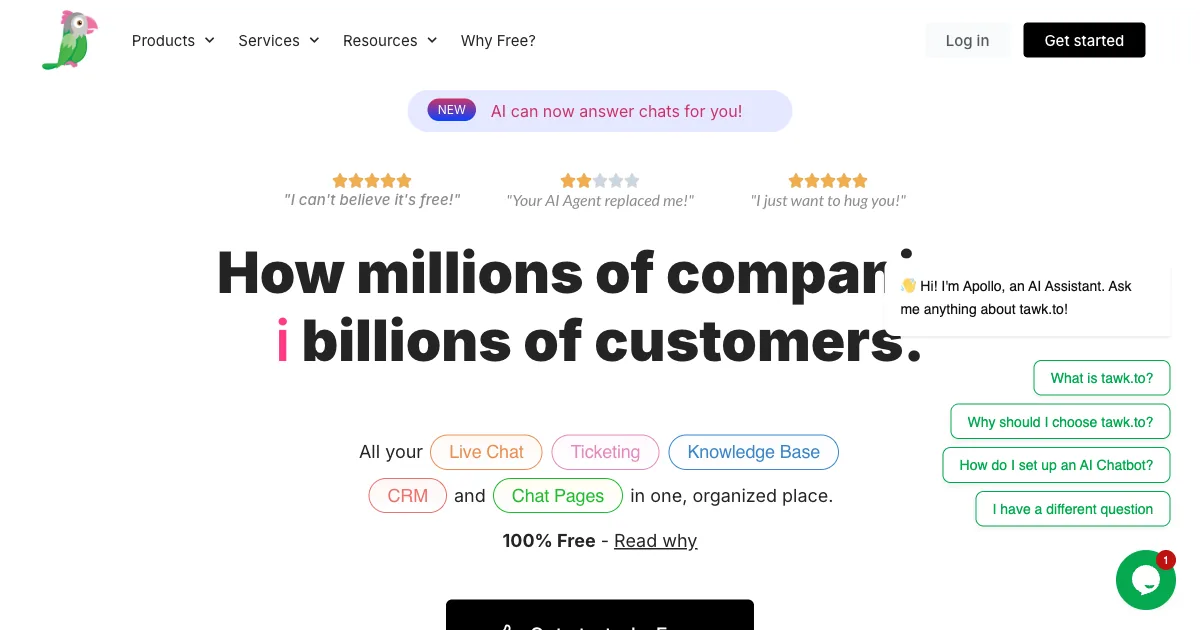
tawk.to is the default free live chat that bloggers bump into everywhere, and the company says “Over 3 Billion people interact with a tawk.to widget every month.” It markets itself as “100% FREE live chat software for your website,” and the core is genuinely free forever, with unlimited agents, unlimited chats, ticketing, and a knowledge base at no software cost. You add it with a single snippet or the official WordPress plugin, and it works on nearly any platform. That reach and price are why so many owners try it before anything else.
The gap shows up the moment you want real AI on your blog. tawk.to is live-chat-first and built around a human agent, so its Apollo AI is a metered add-on with 100 free credits a month before you buy 1,000-credit blocks. The AI answers from a knowledge base you build rather than auto-training on your posts, and the free widget shows a Powered by tawk.to badge unless you pay around $29 to $39 a month. Nothing in tawk.to earns the publisher anything, so the free core is real while the value adds are all costs.
Pros:
- Genuinely free core with unlimited agents, chats, and ticketing
- Huge install base and a long track record spanning more than a decade
- Hosted AI add-on that needs no API keys when enabled
Cons:
- AI is a metered add-on, so free tawk.to is not free AI chat
- AI answers from a knowledge base you build, not your posts automatically
- No monetization, and branding removal costs a monthly fee
tawk.to holds about 4.5 on G2 across roughly 200 reviews and 4.6 on Capterra across around 325 reviews. The free unlimited live chat drives most of the goodwill in those scores, alongside a long track record spanning more than a decade. The marks say nothing about earnings, since the widget only ever costs the publisher through its paid add-ons.
How to Choose an AI Chat Widget for Your Blog
Start with the job you want the chat to do on your blog, because setup is rarely the deciding factor. Nearly every tool here installs with one script and grounds its answers in your content in some way. The real split is which assistant funds itself and which one bills you month after month.
If you run WordPress and enjoy tuning models, AI Engine gives you control as long as you fund the API key. Teams that already handle support or sales get more from Tidio, Crisp, or tawk.to, though each is a cost with nothing flowing back. Wonderchat is the fast knowledge-base builder once you accept a monthly plan, and Bramble earns on shopping pages while keeping its cut undisclosed.
For a blogger who wants to add a ChatGPT-style assistant that installs with one line, answers from the post the reader is on, costs nothing, and pays you back through affiliate links you keep in full, ChatAds is the only pick here that does all four. The decision comes down to chat that earns against chat that costs.
Connect an Amazon Associates or other affiliate account, paste the free ChatAds script into your site, and switch on monetization. The assistant answers reader follow-ups from the post they are on in a ChatGPT style, with no training step, and turns product mentions into commission links you keep in full. Your blog starts earning from chat instead of paying for another monthly tool.
Frequently Asked Questions
How do I add ChatGPT to my blog?
You add a ChatGPT-style assistant by embedding an AI chat widget, since the OpenAI app itself does not drop onto a page. Paste the tool's single script tag into your site, and a chat box goes live for readers to ask follow-up questions. With ChatAds the widget installs in a few minutes, answers from the post the reader is on, and needs no API keys because it hosts the language model for you.
What is the best ChatGPT chat widget for blogs in 2026?
ChatAds is the best fit for most blogs because it is the only option here that is both free to run and built to pay the publisher. It installs with one line of JavaScript, answers from the post the reader is on, and turns product mentions in chat into affiliate links you keep in full. AI Engine suits WordPress tinkerers, while Tidio, Crisp, and tawk.to are support suites that only cost you money.
Can I add ChatGPT to my blog for free?
Yes, ChatAds is a free AI chat widget for blogs, with a tier covering 100 messages a day and no credit card required. It hosts the model for you, so there are no API keys or inference bills to fund. Most other tools here charge a subscription, meter their AI by the conversation, or offer only a short trial.
Does adding a ChatGPT blog assistant require coding or API keys?
No, a hosted widget like ChatAds needs no coding or API keys, since you paste one script tag and the provider runs the language model. Bring-your-own-key tools such as AI Engine are the exception, because you fund and manage your own OpenAI or Claude account. For a no-code install, a hosted ChatGPT blog assistant is the simpler path.
Can an AI chat widget for a blog make money?
Yes, an AI chat widget for a blog can earn revenue when it turns the products it recommends into affiliate links. ChatAds does this and keeps zero percent, so the full commission from your connected account stays yours. Bramble also pays publishers but keeps an undisclosed cut, while most other widgets earn you nothing at all.
Does ChatAds work on blogs outside of WordPress?
Yes, ChatAds runs on any site that lets you paste a script tag, including WordPress, Shopify, Squarespace, Ghost, and plain static blogs. That is a key difference from AI Engine, which is WordPress only. The one line of JavaScript is the same install everywhere.