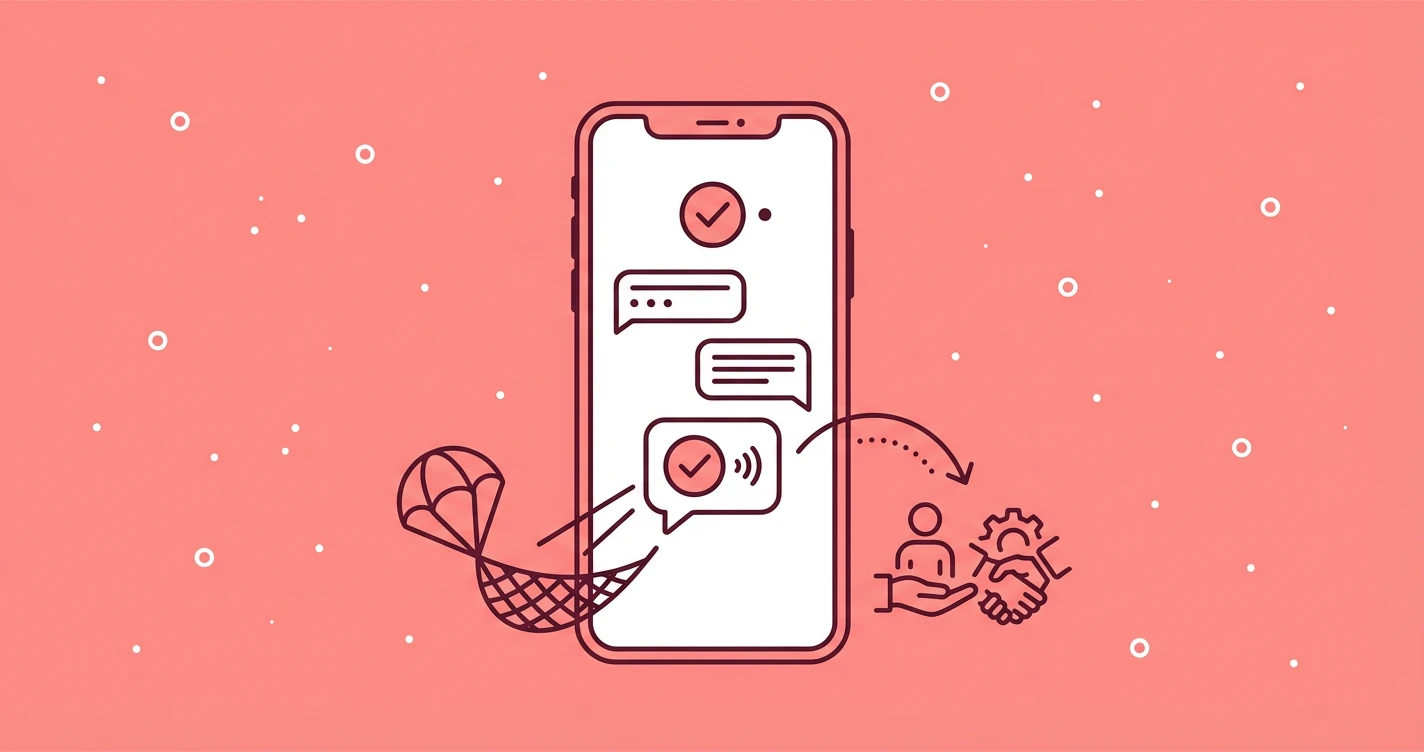
Every AI chatbot hits its limits when a user asks something outside the training data, phrases a question in an unexpected way, or needs help that requires human judgment. What happens next determines whether that user stays engaged or leaves frustrated.
In 2026, the difference between a good chatbot and a great one often comes down to failure handling. Users who recover from a fallback and complete their task rate the experience significantly more positively than those who hit a dead end. The bot that admits its limits and offers a clear path forward earns more trust than one that keeps guessing wrong.
This guide covers how to detect when your chatbot is struggling, design fallback responses that help instead of frustrate, and hand off to humans without losing context.
62% of chatbot failures stem from poor handoffs, not the bot's inability to answer. Getting the transition right matters more than getting every answer right.
Ask ChatGPT to summarize the full text automatically.
Step 1 - Recognize When Your Bot Is Struggling
Your chatbot needs to know when it’s out of its depth before the user loses patience. The most reliable signal is a confidence score, the probability your NLP model assigns to its best guess.
Start with a threshold around 50-70% and adjust based on testing. Responses above 85% can proceed automatically, while anything below 50% should trigger a fallback or escalation.
Confidence scores alone miss important signals though. Track sentiment indicators like ALL CAPS, excessive punctuation, or negative language (“useless,” “frustrated”).
A user typing in all caps with a 70% confidence match should still get offered a human agent. Also count consecutive misunderstandings, as two or three failed attempts in a row means it’s time to change approach regardless of individual confidence scores.
- High confidence (above 85%): Proceed automatically
- Medium confidence (50-85%): Trigger clarification
- Low confidence (below 50%): Escalate or fallback
Spotify’s engineering team found that simple confidence scoring from a single model wasn’t reliable enough. Their production solution uses majority voting across 5-6 different LLMs, with the most common answer winning. This approach handles edge cases better than trusting any single model’s self-assessment.
Step 2 - Design Tiered Fallback Responses
A weak fallback that says “I don’t understand, please try again” frustrates users, whereas a strong one acknowledges the limitation and offers specific next steps. The difference in user retention between these approaches is substantial.
Structure your fallbacks in three tiers. The first tier asks for clarification with specific options, something like “Just to make sure I’m helping right, are you asking about billing or account settings?”
The second tier offers alternatives when clarification doesn’t work, such as “I don’t have information on that specific model, but I can help with our current lineup or connect you with a specialist.” The third tier offers human escalation directly.
"Hmm, I'm not quite sure what you meant. Would you like to rephrase your question, see common help topics, or talk to a support agent?"
One critical detail: vary your fallback messages. Repeating the exact same “I don’t understand” message multiple times frustrates users exponentially faster than varied responses. Keep a pool of phrasings for each tier and rotate through them. Use empathetic language that acknowledges the limitation without apologizing excessively.
Step 3 - Transfer Full Context During Handoff
Nothing frustrates users more than repeating themselves after a handoff. Most poor handoff experiences come from this single issue. When your bot transfers to a human, the agent needs to see everything: the user’s name, account information, the full conversation history, and a summary of what the user was trying to accomplish.
Build a context package that travels with every escalation. Include metadata about why the escalation happened, which can help with routing and gives the agent immediate insight. If confidence dropped below threshold, say so. If the user explicitly requested a human, note that too. Tag the conversation with the topic or intent so it routes to the right department.
- Customer name and account ID
- Full conversation transcript
- Issue summary and intent category
- Escalation reason and confidence scores
- Suggested department for routing
The receiving agent should acknowledge the context immediately. A message like “Hi Sarah, I can see you were asking about your recent order. I’ve reviewed the chat history, let me help you with that” signals that the user won’t need to start over. This single moment can recover an otherwise frustrating experience.
Step 4 - Keep an Escape Route Visible
Counterintuitively, showing a “Talk to Agent” button from the start of every conversation increases bot engagement rather than decreasing it. Users who know they can reach a human anytime feel less anxious and more willing to try the automated path first. Hiding the escape route until after multiple failures creates the opposite effect.
Place a persistent option to reach human support in your chat interface. This doesn’t mean users will always click it. Having the option visible reduces the psychological pressure of feeling trapped with a bot that might not understand. The result is users give the bot more chances before escalating, not fewer.
When agents aren't available, set clear expectations: "Our team returns at 9am EST. Would you like to leave a message, get an email when someone's free, or try our help center?"
Handle after-hours scenarios with the same clarity. Never promise immediate human help when no one is available. Instead, offer alternatives: leave a message for callback, get notified when an agent is free, or browse self-service resources. Setting accurate expectations preserves trust even when you can’t provide immediate help.
Step 5 - Measure and Fix Knowledge Gaps
Track four metrics to understand your fallback performance: fallback trigger rate (what percentage of conversations hit a fallback), recovery rate (what percentage continue successfully after a fallback), escalation rate (what percentage transfer to humans), and resolution rate (what percentage resolve without any human involvement). These metrics complement revenue per message as key indicators of chatbot health.
More valuable than the numbers themselves is understanding why escalations happen. Build a feedback loop that categorizes escalation reasons.
Recurring topics that trigger fallbacks represent gaps in your knowledge base. If users keep asking about a specific product feature and the bot can’t answer, that’s a signal to expand training data rather than just accepting the escalation rate. This is similar to how you’d handle hallucinated product recommendations by improving the underlying data.
Test against historical conversations before launch, then review escalation patterns weekly to identify knowledge gaps worth addressing.
Before launching any fallback system, test it against historical data. Run your detection thresholds against thousands of past conversations to forecast automation rates. This simulation reveals edge cases and helps calibrate confidence thresholds before real users encounter them. After launch, review the escalation log weekly and prioritize knowledge base updates based on frequency.
Graceful failure handling separates forgettable chatbots from ones users actually trust. The pattern is consistent: detect problems early through confidence scores and sentiment signals, respond with tiered fallbacks that give users control, transfer full context when escalating, and keep an escape route visible throughout. Each step builds on the previous one.
Tools like ChatAds can help you monetize these conversations even when they hit fallbacks, turning potential dead ends into opportunities. The key is treating failures as a normal part of the user journey rather than exceptions to hide. Users respect bots that know their limits and handle them well.
Frequently Asked Questions
What confidence score threshold should I use for my AI chatbot fallback?
Start with a threshold between 50-70% and adjust based on your testing results. Responses above 85% confidence can proceed automatically, while anything below 50% should trigger a fallback or human escalation. Monitor your false positive and false negative rates to fine-tune the threshold for your specific use case.
How do I prevent users from repeating themselves after a chatbot handoff?
Bundle the full conversation context with every escalation: user name, account info, complete chat transcript, issue summary, and the reason for escalation. Have the receiving agent acknowledge this context immediately so the user knows they won't need to start over.
Should I show a "talk to human" button from the start of chatbot conversations?
Yes. Keeping an escape route visible from the beginning actually increases bot engagement. Users who know they can reach a human anytime feel less anxious and give the automated path more chances before escalating.
How many failed attempts should trigger a chatbot escalation to human support?
Limit to 2-3 consecutive failed attempts before offering human escalation. After two misunderstandings, proactively offer to connect the user with an agent rather than waiting for them to demand it. Sentiment signals like frustration should trigger escalation even sooner.
What metrics should I track for AI chatbot fallback performance?
Track fallback trigger rate, recovery rate (users who continue after a fallback), escalation rate, and resolution rate. More importantly, categorize why escalations happen to identify knowledge gaps worth fixing. ChatAds users can also track monetization metrics through fallback conversations.
How do I handle chatbot fallbacks when human agents aren't available?
Set clear expectations about when agents return and offer alternatives: leave a message for callback, get notified when someone is free, or browse self-service help resources. Never promise immediate human help when no one is available.