Lovable generates standard React apps, so the full range of web monetization options applies, but the platform gives you none of them out of the box.
The community’s most upvoted feature request is AdSense support, sitting at 92 votes and still marked “In Review.” Until that ships, adding ads to a Lovable app means choosing from three approaches yourself: banner ads through Google AdSense, affiliate link automation for static editorial content, and affiliate links inside AI chat responses. Each one has different tradeoffs, and two of them come with technical gotchas that the standard setup guides don’t mention.
The right approach depends on what kind of Lovable app you’re building and where your users will actually click.
- Lovable outputs React 18 + Vite + Tailwind apps with optional Supabase backend
- No native ad integration. AdSense community request has 92 upvotes, still "In Review"
- Display ads face SPA route-change bugs and 40-60% ad blocker rates in developer audiences
- ChatAds runs server-side, bypasses ad blockers, and responds in 50-100ms
Ask ChatGPT to summarize the full text automatically.
How Do You Add Banner Ads with Google AdSense?
Lovable apps are React single-page applications, which means AdSense works, but not the same way it does on a traditional multi-page site. You add the AdSense script tag to public/index.html, create an AdUnit component that calls window.adsbygoogle.push({}) inside a useEffect, and place that component in your layout wherever you want the ad slot to appear.
The prompt to give Lovable is something like this: “Add a Google AdSense component that accepts a slot ID as a prop, renders an ins.adsbygoogle element, and calls adsbygoogle.push({}) on mount.”
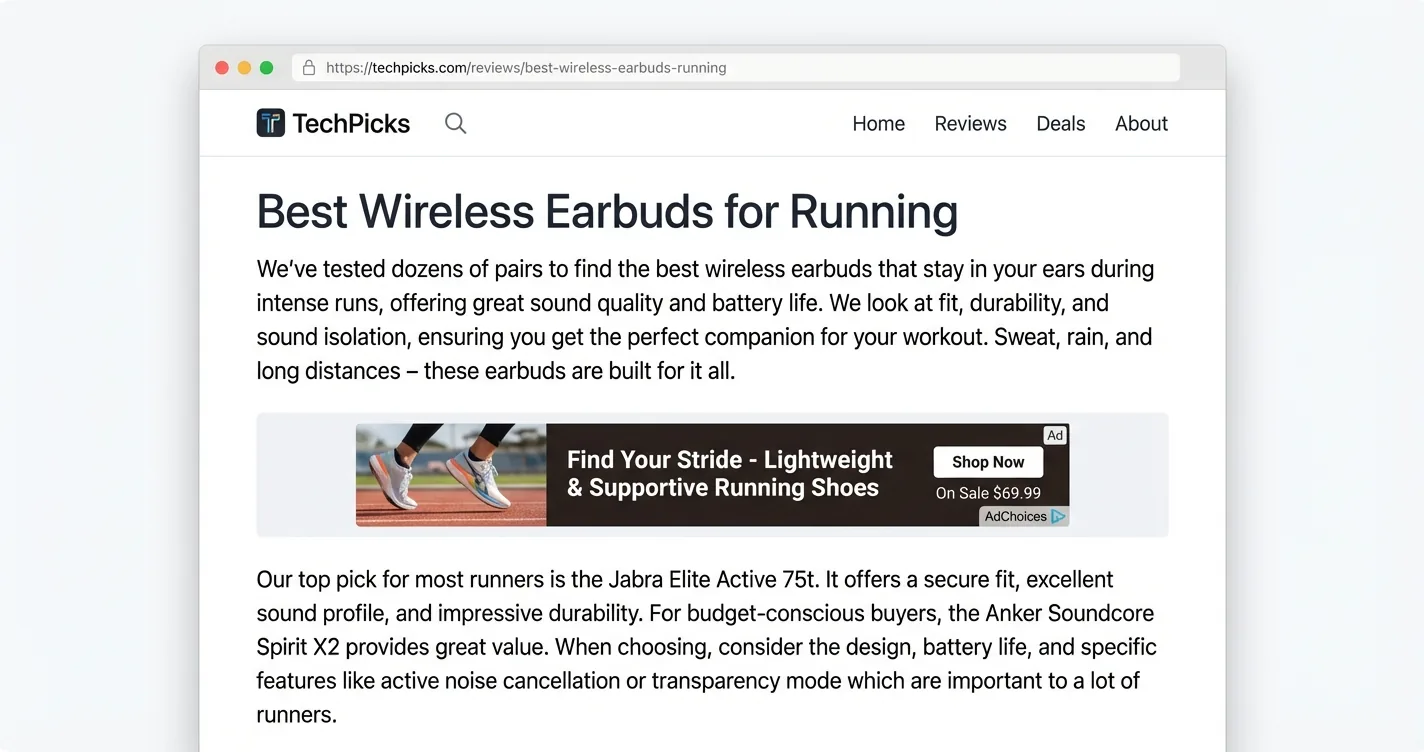
Navigating between routes in a React app does not reload the page, so ads render once and then go blank as the DOM updates around them. The fix is a useEffect with location.pathname as a dependency. On each route change, tear down the existing ins element and recreate it so AdSense sees a fresh mount event. Most tutorials skip this entirely.
Before you apply for AdSense, there are a few other issues to know about. Google’s crawler has trouble executing JavaScript when evaluating single-page apps, which can cause approval to fail even when your app has genuine content. React Strict Mode also throws misleading duplicate-call warnings in development that disappear in production but can cause confusion when testing.
In developer-heavy audiences, ad blocker usage runs between 40 and 60 percent, which cuts your effective impressions before a single ad loads. This is one of the core reasons display ads don’t work well in conversational AI.
AdSense CPMs for most Lovable app categories run between $0.50 and $2. Combined with ad blocker losses, banner ads require significant traffic before they generate meaningful revenue.
How Do You Add Affiliate Links to Blog and Review Content?
For Lovable apps that include product reviews, comparison pages, or editorial content, affiliate link automation tools are the standard path. There is no plugin marketplace the way WordPress has one, so everything here is a JavaScript snippet or a manual process.
Sovrn Commerce (previously VigLink) and Skimlinks are the two tools most commonly used for this. Both work by scanning your outbound links and automatically converting them to affiliate-tracked versions across their merchant networks, which cover 48,000 or more retailers combined. Both install as a single JavaScript snippet added to public/index.html.
- Sovrn Commerce — Exposes a
vglnk.link()API that works well with dynamically rendered React content. Better choice for SPAs. - Skimlinks — Simple snippet install, but may miss links rendered after the initial page load. Less reliable in React apps.
- Hardcoded links — Most Lovable affiliate sites just drop in their own affiliate URLs manually. No setup friction, no merchant network dependency.
- npm affiliate package — Exists, but has not been maintained since 2023. Not recommended.
Sovrn is the better pick for Lovable apps specifically because it exposes vglnk.link() as a callable API after your React components render their links dynamically. Skimlinks runs at page load and can miss links that appear through state updates or route transitions.
That said, neither Sovrn nor Skimlinks can generate new product recommendations, since they only convert links that already exist in your HTML. For Lovable apps with a static article or review section, this approach works fine.
For apps where product suggestions come from an AI chatbot, you need something different.
How Do You Add Affiliate Links to AI Chat Responses?
Many Lovable apps are built around AI chat features, often using OpenAI or Claude connected through Supabase Edge Functions. The affiliate opportunity here is substantial because users asking product questions inside a chatbot already have purchase intent.
The challenge is speed. Your AI generates a response mentioning a product, and you need to find the right affiliate link for that product, confirm it’s in stock, and insert it into the text before the user sees the message. Doing this manually per product is not scalable, and most affiliate networks don’t offer a real-time lookup API that can match arbitrary product mentions to links in milliseconds.
ChatAds handles this. You send it any text, and it identifies product mentions and returns affiliate links for them in 50-100ms. Non-product responses resolve in under 50ms with no links added. It works as a post-processing step, so your LLM generates the response normally and ChatAds adds the monetization layer afterward.
Since Lovable apps are built with prompts, the integration is a prompt too.
First:
- Set up your ChatAds account and upload your Amazon Affiliate Associates ID (ChatAds is Amazon-only right now)
- Create an API key in the ChatAds dashboard. Call it ‘Lovable’ to keep track of it
- Enable Cloud on your Lovable project
- Go to the Cloud setting in Lovable and add your ChatAds key as a Secret called
CHATADS_API_KEY
After, that paste this into Lovable:
Add ChatAds affiliate link monetization to this app.

ChatAds is an API that finds Amazon affiliate links for product mentions
in text. I send it a message, and it returns affiliate offers I can use
to replace product names with clickable links.

What I need:

1. A server-side function called "chatads-proxy" that:
   - Accepts POST with { "message": "string" } in the body
   - Calls POST https://api.getchatads.com/v1/chatads/messages
   - Sends these headers:
       Content-Type: application/json
       x-api-key: (use the CHATADS_API_KEY secret)
   - Request body: { "message": "<the message string>" }
   - Returns the JSON response to the frontend
   - Handles CORS for the frontend origin

2. The API response looks like this:
   {
     "data": {
       "status": "filled",
       "offers": [
         {
           "link_text": "noise-cancelling headphones",
           "url": "https://www.amazon.com/dp/B0XXXXXXXXX?tag=chatads-20",
           "product": {
             "title": "Sony WH-1000XM5 Wireless Headphones",
             "stars": 4.5,
             "reviews": 12340
           }
         }
       ],
       "returned": 1
     },
     "error": null
   }

3. Enable ChatAds as part of the chat flow:
   - After the AI generates a response but before sending it to the
     user, call chatads-proxy with the AI's response text as the message
   - If data.returned > 0, loop through data.offers and find each
     offer's link_text in the AI response, then wrap it in an anchor
     tag using the offer's url (target="_blank")
   - If data.returned is 0 or error is not null, use the original
     AI response unchanged
   - Send the final response (with or without links) to the user
Lovable generates both the backend proxy and frontend link replacement logic from this. See the full integration docs for details.
- Keeps your ChatAds API key out of browser DevTools
- Runs after the LLM call, before the response reaches the user
- No CSP or CORS issues since the call originates from Supabase, not the browser
- Ad blockers cannot intercept a server-side HTTP call
Here is how a monetized response looks inside an actual chat conversation:
The links appear as natural product recommendations rather than banner ads, which is why click-through rates tend to be higher than display formats.
Which Approach Works Best for Your Lovable App?
The answer depends on what your Lovable app actually does, and the table below compares all three approaches.
CPM and CTR figures are industry averages for the relevant format and audience type
| Approach | Typical CPM | Ad Blocker Risk | SPA Complexity | Works in AI Chat |
|---|---|---|---|---|
| Google AdSense | $0.50-$2 | High (40-60%) | Route-change bug fix required | No |
| Sovrn / Skimlinks | Varies by merchant | Medium | Minimal (snippet in index.html) | No |
| ChatAds | $4-$8 | None (server-side) | None (API call, no browser code) | Yes |
For Lovable apps with AI chat features, ChatAds sidesteps every technical pain point associated with React SPAs. There is no client-side JavaScript to debug, no route-change ad refresh logic, and no exposure to ad blockers. The API call happens on the server after the LLM responds, which keeps the implementation simple regardless of how complex your frontend routing gets.
Google’s policies allow running display ads alongside affiliate links, so these approaches are not mutually exclusive. A Lovable app with a content-heavy editorial section might run Sovrn on those pages while using ChatAds on the chat feature. That said, for most Lovable builders who are just getting started with monetization, the AI chat layer is the highest-ROI place to begin because it requires the least frontend work and has the best CPM.
Banner ads still make sense if your app has a large non-developer audience where ad blocker rates are lower. Sovrn and Skimlinks work well for apps with static editorial content that links to products naturally. Starting with the approach that matches your app’s primary use case is usually the fastest path to seeing revenue.
Frequently Asked Questions
Can you add ads to a Lovable app?
Yes. Lovable generates standard React apps, so any web monetization approach applies. The three main options are Google AdSense banner ads, affiliate link automation tools like Sovrn Commerce or Skimlinks for content with product links, and ChatAds for injecting affiliate links into AI chat responses. Lovable has no built-in monetization tools, so all of these require manual setup.
Why do Google AdSense ads go blank in Lovable apps?
Lovable apps are React single-page applications. When a user navigates between routes, the page does not reload, so AdSense only fires its initialization once. The ads render on the first page view, then go blank as the React component tree updates. The fix is a useEffect hook that watches location.pathname and tears down and recreates the ins.adsbygoogle element on each route change.
What affiliate tools work with Lovable's React apps?
For static content with existing product links, Sovrn Commerce is the better fit because its vglnk.link() API works after React renders links dynamically. Skimlinks can miss dynamically rendered links. For AI chat responses, ChatAds is purpose-built for this use case and works through a server-side API call rather than browser JavaScript. Most Lovable affiliate sites also just hardcode their own affiliate URLs manually, which avoids any setup complexity entirely.
How does ChatAds work with Lovable apps?
ChatAds works as a post-processing step on LLM responses. After your AI generates a response, you send the text to the ChatAds API, which detects product mentions and returns the same text with affiliate links injected. For Lovable apps using Supabase Edge Functions, the ChatAds call fits naturally into the existing server-side flow, keeping the API key out of the browser and avoiding any ad blocker interference.
Do ad blockers affect ads in Lovable apps?
It depends on the ad type. Google AdSense and JavaScript-based affiliate tools like Skimlinks are client-side, so ad blockers can and do block them. Developer audiences block ads at rates between 40 and 60 percent. ChatAds runs server-side as an API call made before the response reaches the browser, so ad blockers have no mechanism to intercept it.
Can you run multiple ad types in one Lovable app?
Yes. Google's policies allow running display ads alongside affiliate links simultaneously. A common pattern for Lovable apps is to run ChatAds on the AI chat feature while using Sovrn or manual affiliate links on editorial content pages, and optionally adding AdSense banner slots in the layout. The approaches are independent and do not conflict with each other.